Introduction
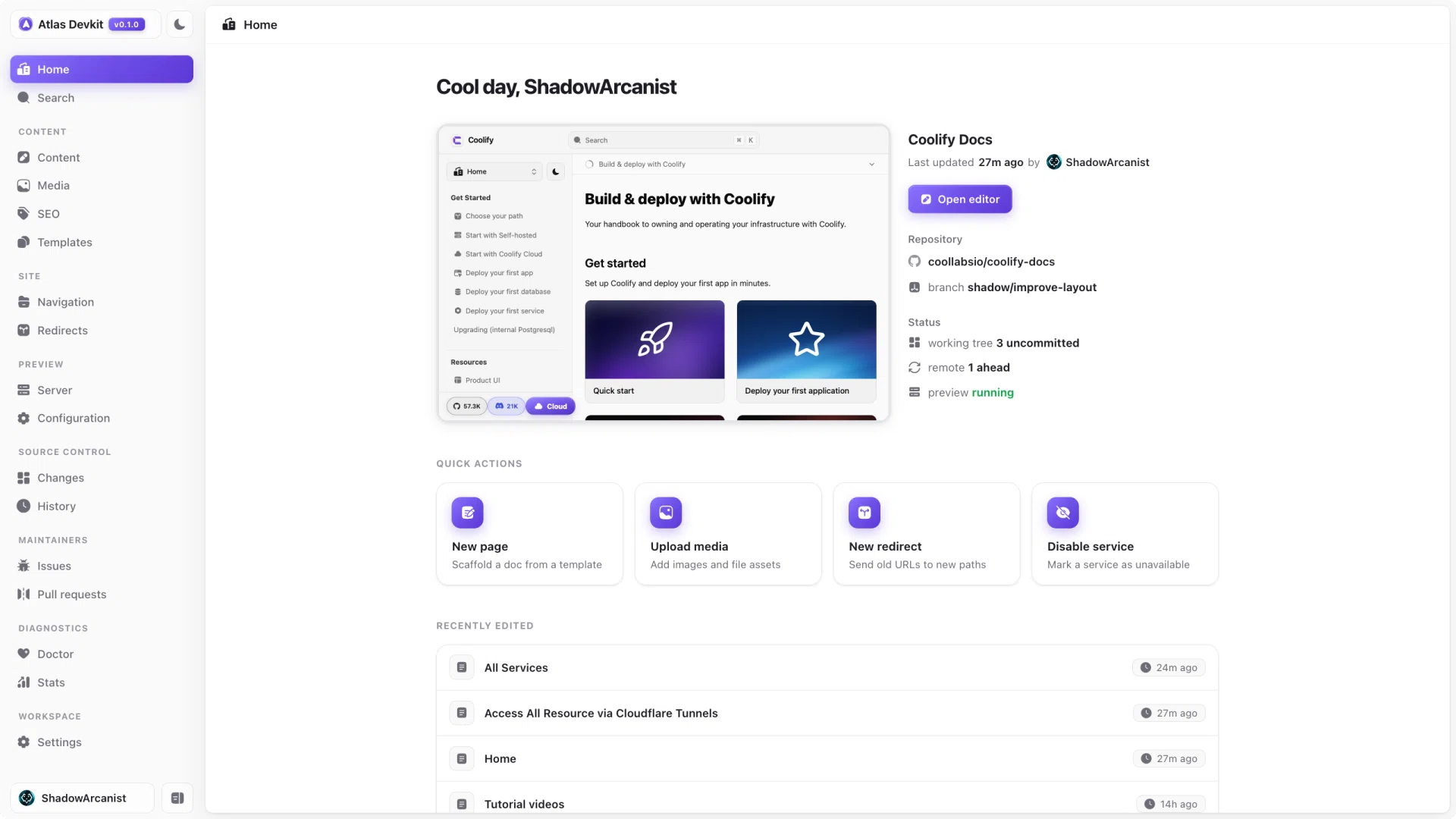
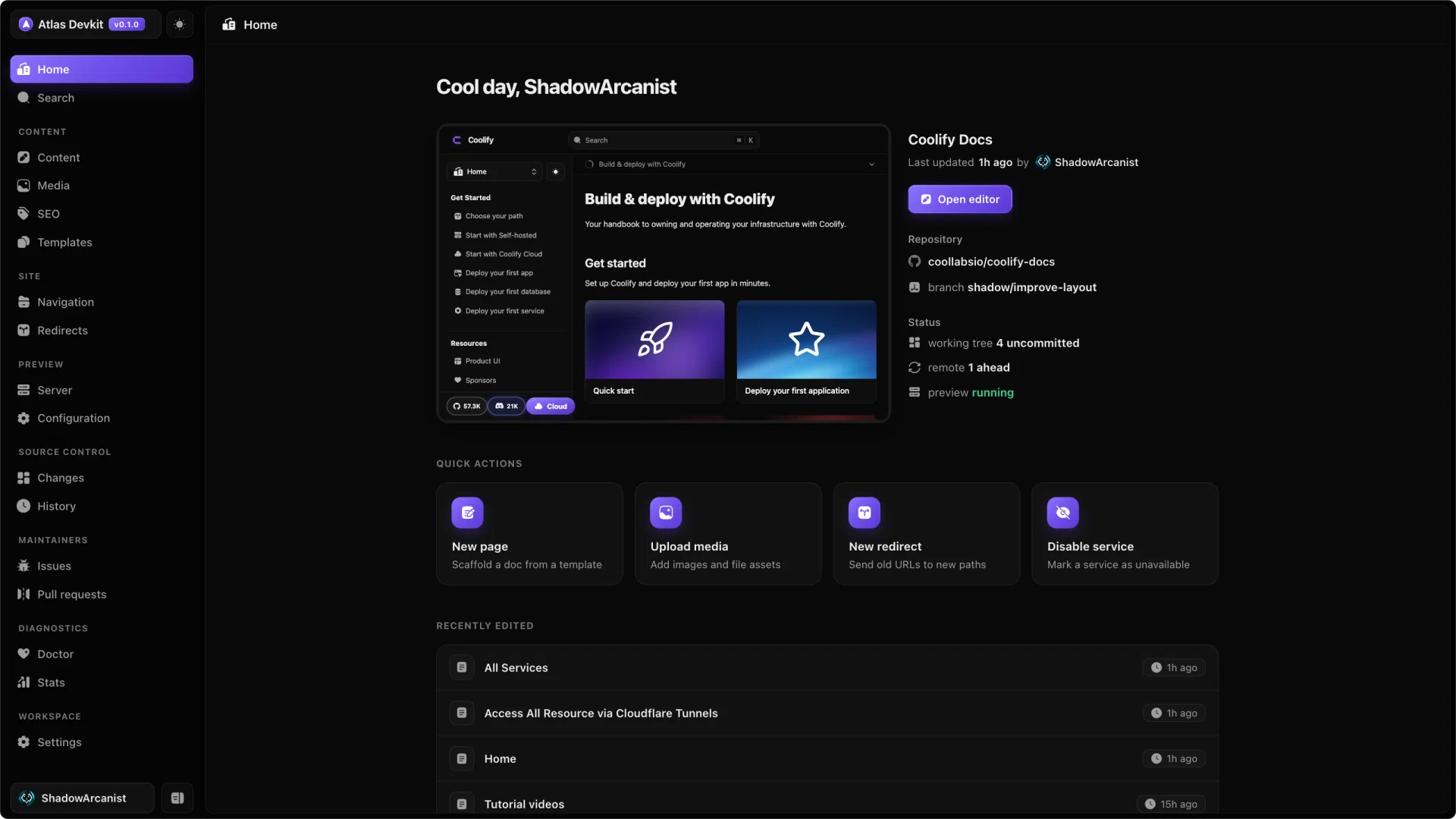
Atlas Devkit is a desktop-grade workspace for the Coolify documentation. It lets you write, organize, audit, and ship the docs from a single browser tab, working straight against your own copy of the docs repo.
Maintaining docs usually means jumping between a code editor, a dev server, Git, an image optimizer, and a pile of meta.json files. Atlas pulls all of that into one place, so you can spend your time on the writing instead of the plumbing.
What you can do
- Write MDX in a source or visual editor, with a live preview next to you.
- Organize the sidebar by dragging pages around, with no hand-editing of
meta.json. - Manage media with drag-and-drop uploads and automatic WebP conversion.
- Audit your docs for SEO problems, broken links, and navigation issues.
- Ship with Git built in: review changes, commit, browse history, and switch branches.
- Track GitHub issues and pull requests without leaving the app.
Who it is for
Atlas is built for the people who maintain the Coolify docs, whether you fix a typo once in a while or you live in the docs every day. If you can clone a repo and run a command, you can use Atlas.
How it fits together
Atlas runs on your machine and works directly on a local clone of the docs repo:
- It reads and writes the MDX files in place, so every change is a normal file change you can commit.
- It runs the docs preview server for you and shows a live preview as you work.
- It talks to Git for commits, history, and branches, and to GitHub for issues and pull requests.
- Your settings live in a small
atlas.jsonfile in the repo, so the workspace is reproducible for anyone who opens it.
Because Atlas only edits files and runs Git, nothing locks you in. You can stop using it at any time and your docs are exactly as they were: plain MDX in a Git repo.
Atlas is built around the Coolify docs, but under the hood it works on any Fumadocs-style docs repo with MDX content and meta.json navigation.