Preview server
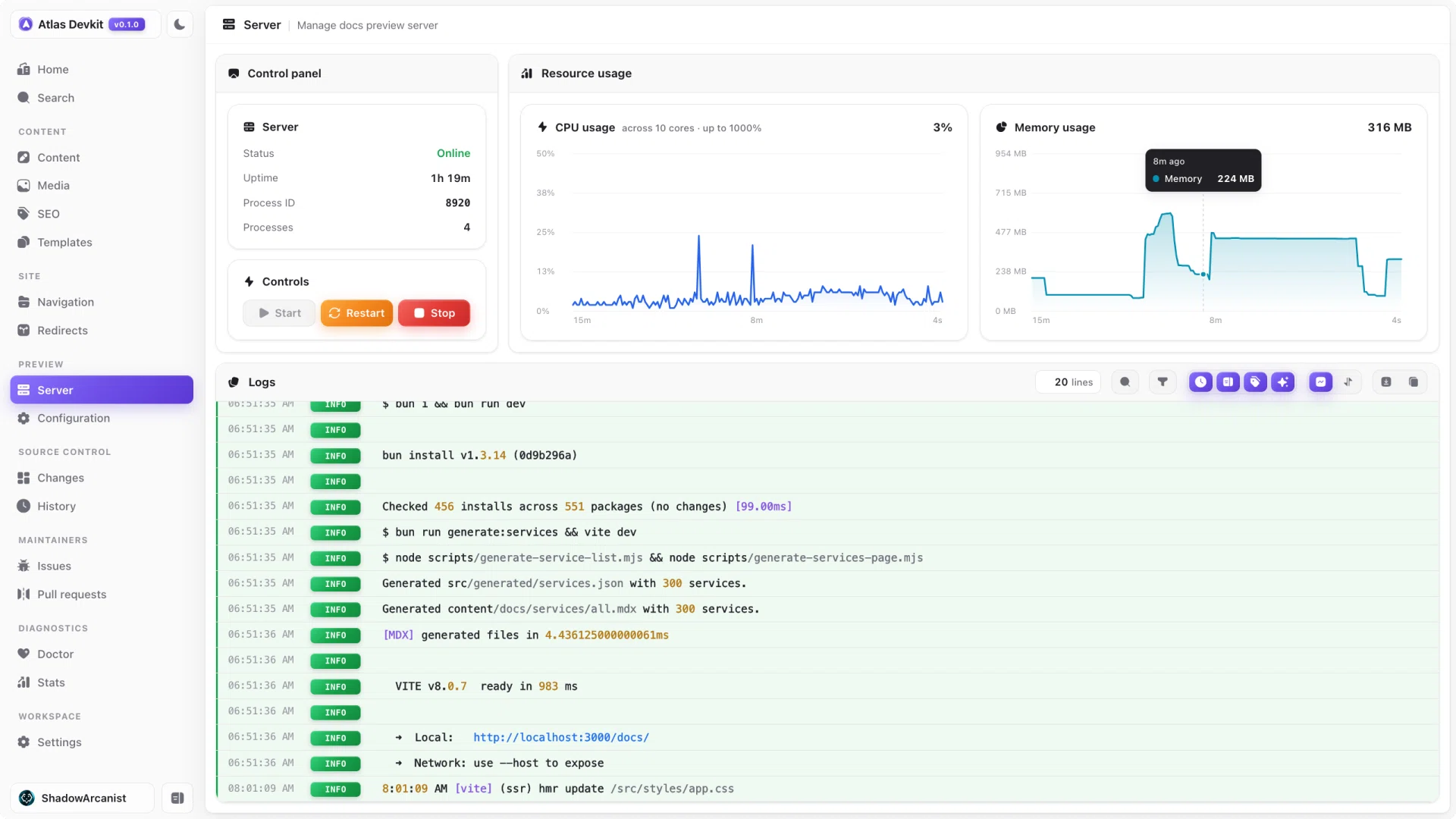
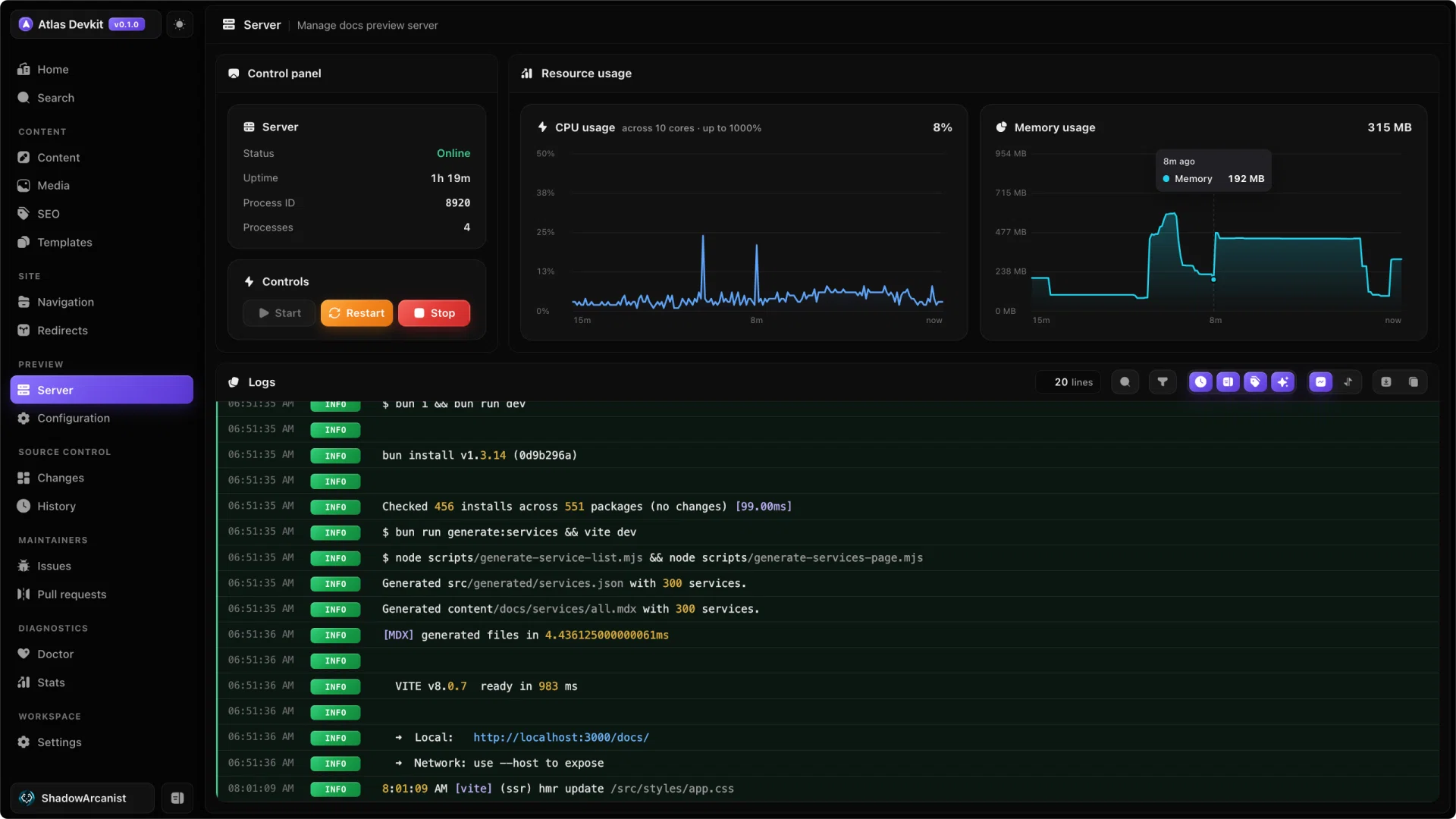
The live preview needs your docs dev server running. Atlas can start and stop that server for you, show its logs, and tell you whether it is up, so you do not have to keep a separate terminal open.
Starting and stopping
Atlas runs the command set by previewCommand in atlas.json, which is bun run dev for the Coolify docs. Start it from the preview server view, and stop or restart it whenever you need.
Once it is reachable, the editor preview switches to a live iframe of the real rendered pages.
Live logs
The view streams the server's output, so when a build error or warning appears, you see it right away instead of digging through a terminal.
Status
Atlas tracks the server's state and labels it clearly:
- Online means Atlas started the server and it is responding.
- Online (external) means the server is responding, but something other than Atlas started it, like a terminal you already had open.
- Starting means it is booting up.
- Offline means nothing is responding yet.
The "online (external)" state is handy: if you already run bun run dev in a terminal, Atlas notices and uses it for the live preview instead of starting a second one.
Configuration
The Configuration tab, next to the server view, controls how Atlas runs your dev server. Every setting here is also a field in atlas.json, so you can edit it on the page or in the file directly.
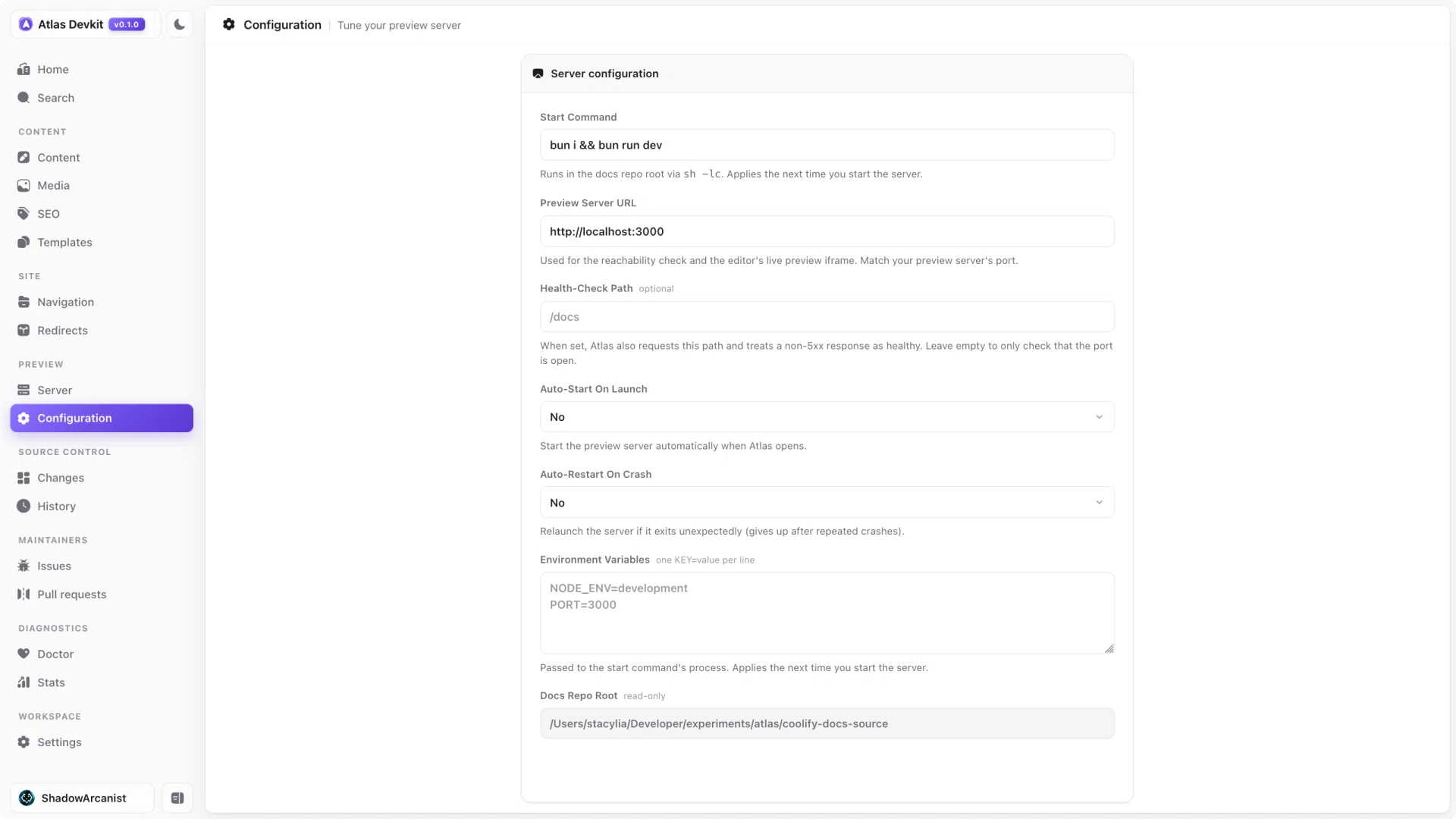
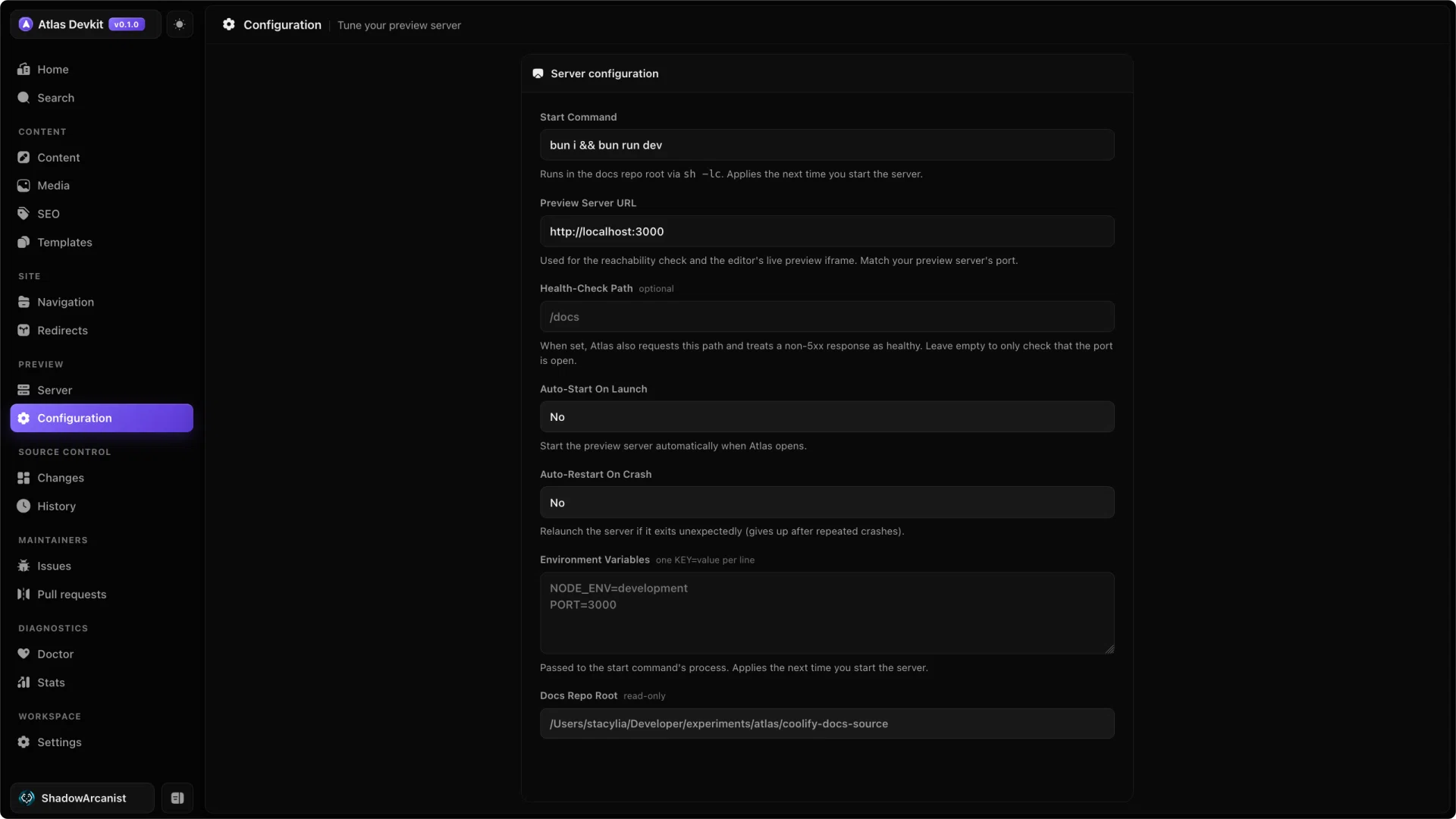
- Command (
previewCommand): the command Atlas runs to start the server, likebun run dev. - URL (
previewUrl): the address Atlas opens for the live preview and checks for reachability. - Health check path (
previewHealthPath): an optional path, like/health, that Atlas requests to decide whether the server is really up. Leave it blank to just check the URL. - Auto-start (
previewAutoStart): start the preview server automatically when Atlas launches, so the live preview is ready without a click. - Auto-restart (
previewAutoRestart): bring the server back up automatically if it crashes. - Environment variables (
previewEnv): extra variables passed to the preview command, for any config your dev server needs.
Turn on auto-start if you always want the live preview ready, and auto-restart if your dev server is prone to falling over. With both on, Atlas keeps the preview running without you thinking about it.