Commit history
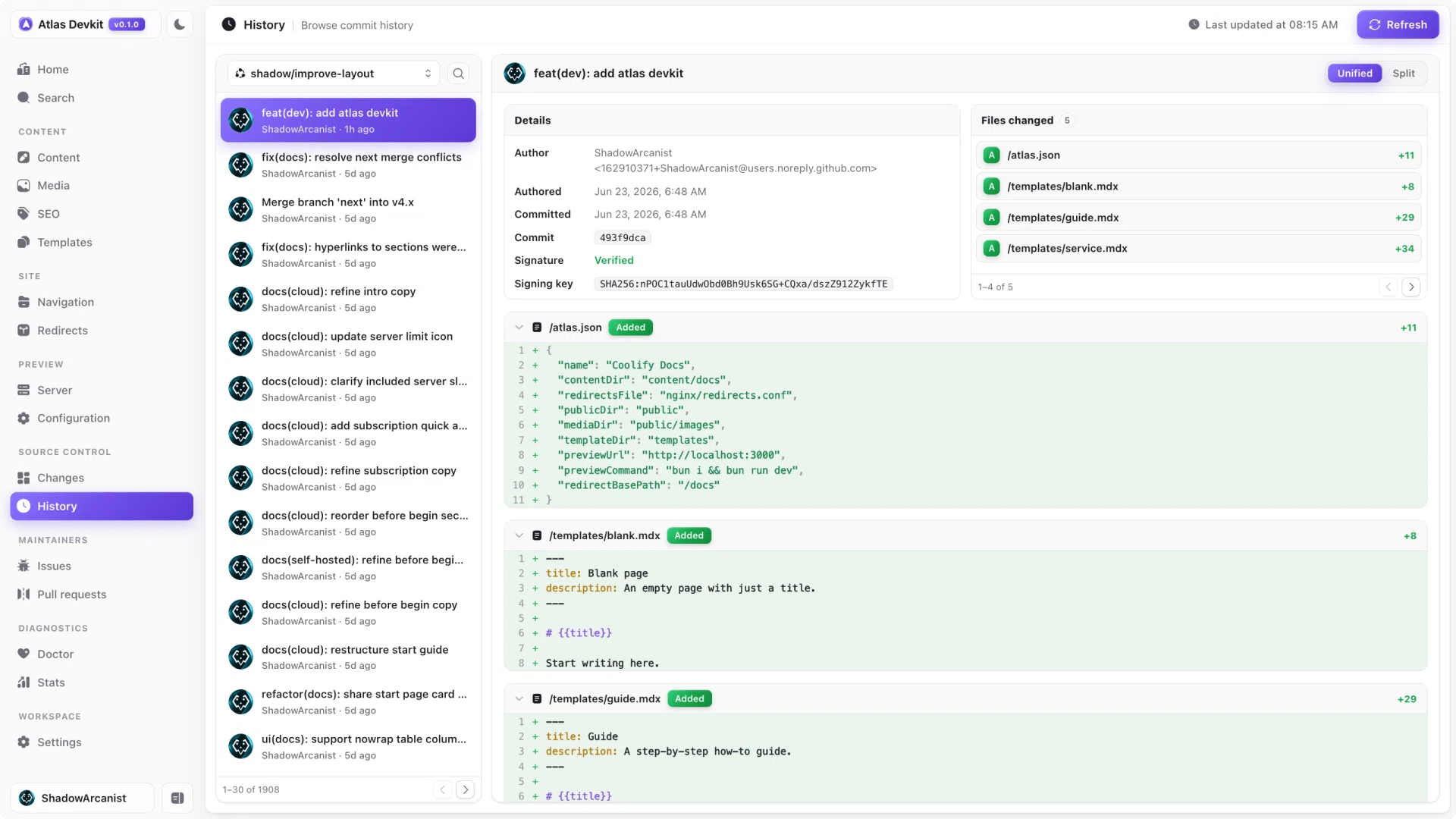
Sometimes you need to know how a page got to where it is: who changed it, when, and why. The history view shows the repo's commits without leaving Atlas.
Browsing commits
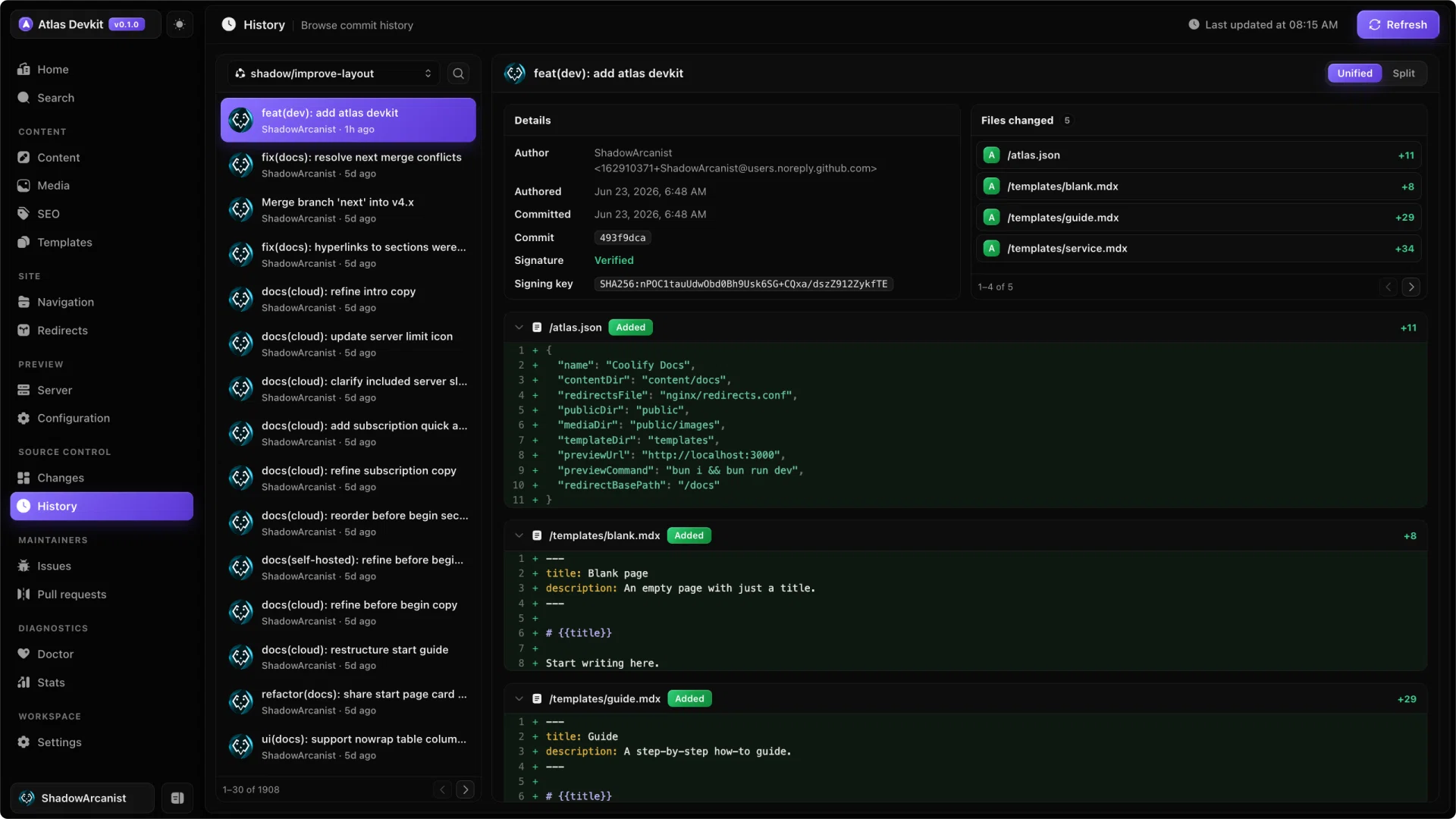
The history view lists commits newest first, with their message, author, and date. Select one to see exactly what it changed, file by file, as a diff.
Searching
For a busy repo, scroll through the history or search to narrow it down to the commits you care about.
Across branches
History follows the branch you have checked out. Use the branch switcher to look at the history of another branch.
Note
The history is read-only. It is for understanding past changes, not editing them. To make new changes, edit a page and commit it from the changes view.