Navigation editor
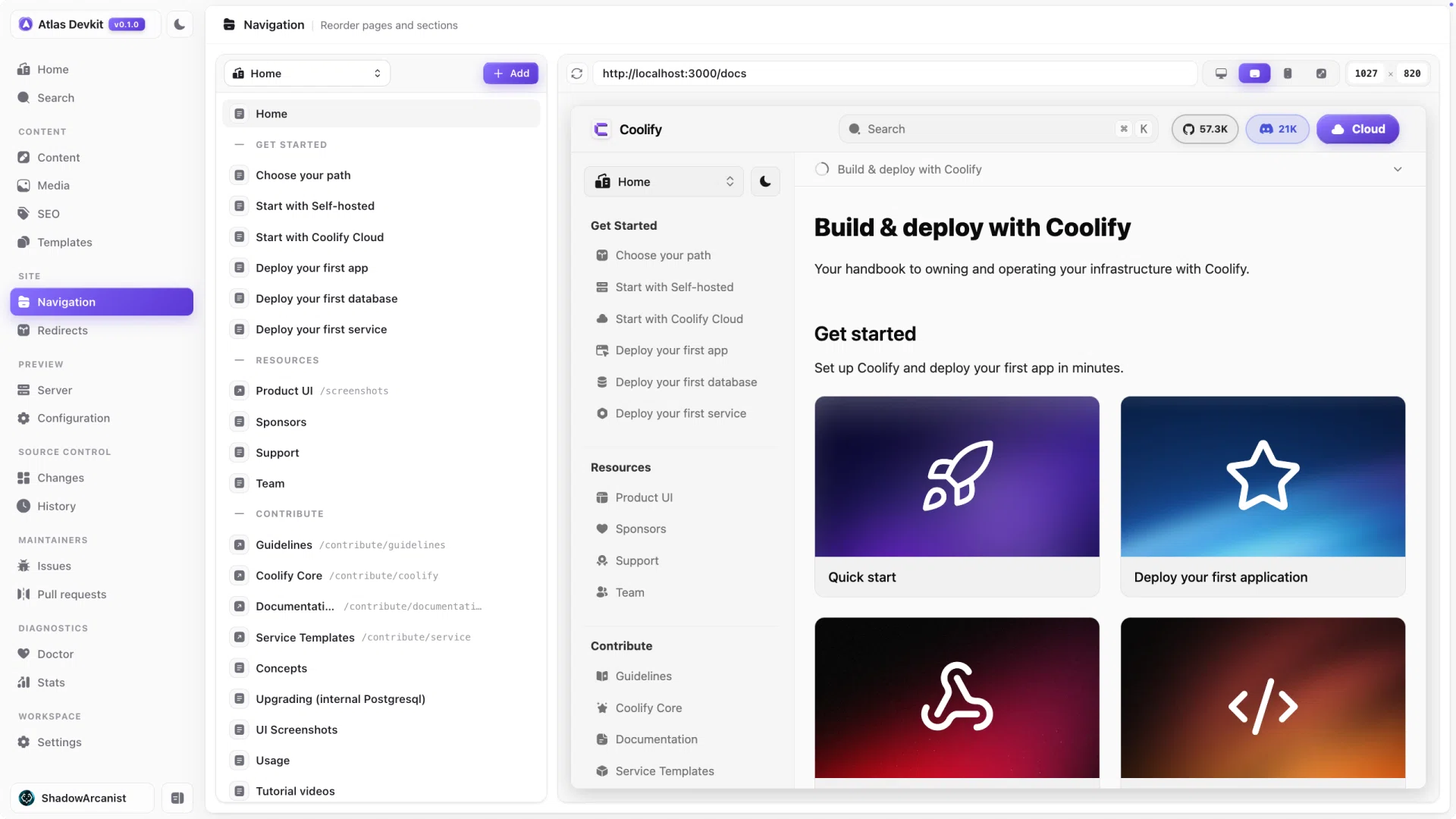
The sidebar order comes from the meta.json files in your docs. Editing those by hand is fiddly and easy to get wrong, so Atlas gives you a visual editor instead: drag a page to move it, and Atlas writes the meta.json for you.
Sections
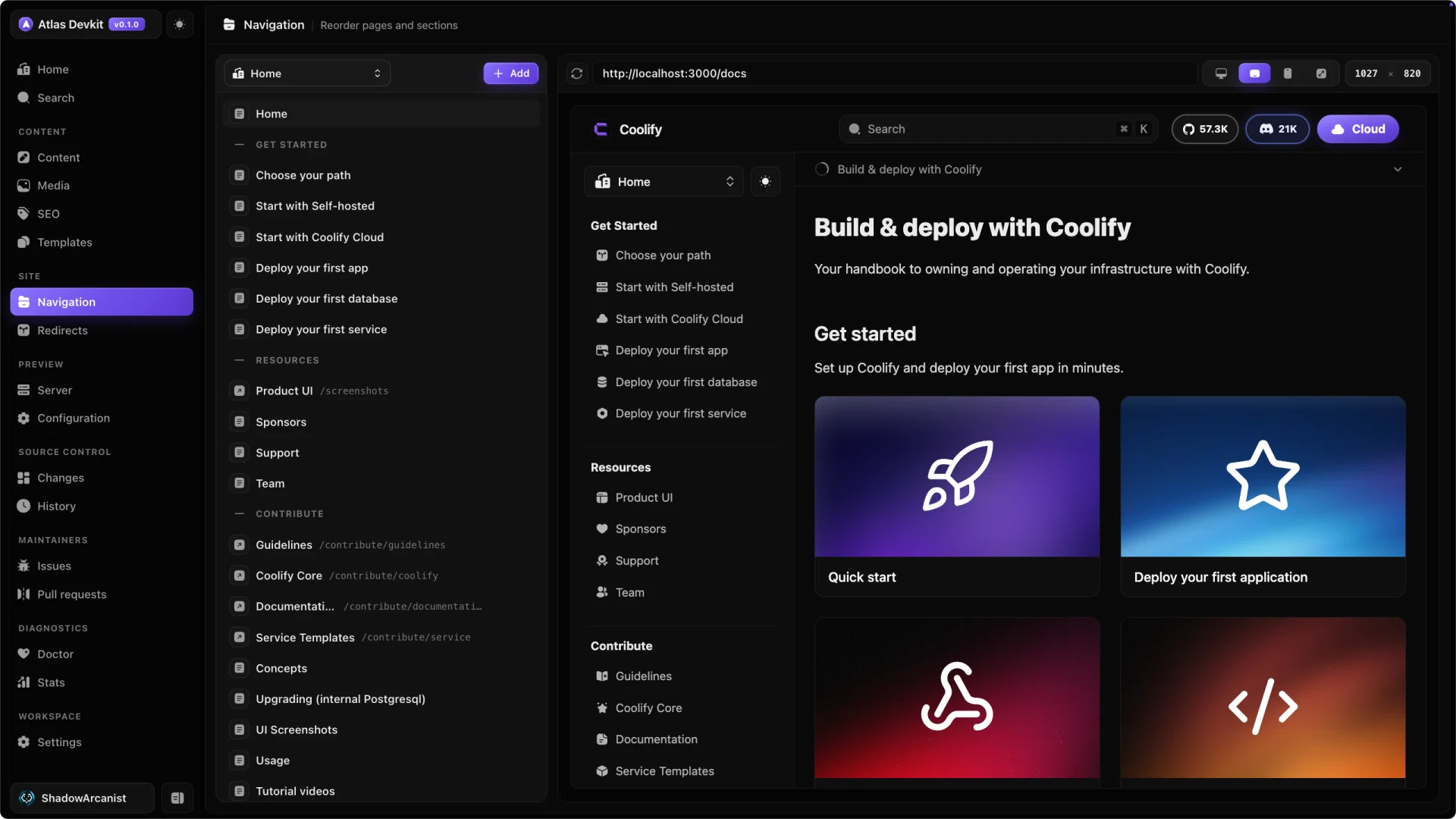
Large docs are split into top-level sections, which show up as a page switcher rather than as rows in the sidebar. Atlas detects these root sections and gives you a switcher at the top of the navigation editor, so you can edit one section's sidebar at a time.
Pick Home to edit the root sidebar, or pick a section to edit just that part.
Reordering
Drag any item to move it. You can drop it above or below another item to set the order, and the change is saved to that folder's meta.json straight away. No YAML, no commas to get wrong.
Item types
The sidebar is made of a few kinds of items:
- Pages are your MDX files.
- Folders group pages into a nested section.
- Separators are labels that break the list into groups.
- Links point somewhere else, like an external URL.
You can add separators and links from the editor to shape how the sidebar reads.
Reordering only changes meta.json, never your page content. If a page is not listed in meta.json, it still exists; it just is not pinned to a position in the sidebar.