Adding a service
A service page is a normal docs page with a few extra fields, like a category and a logo. Atlas scaffolds one for you from the service template, so you do not have to copy an existing service by hand.
Creating a service
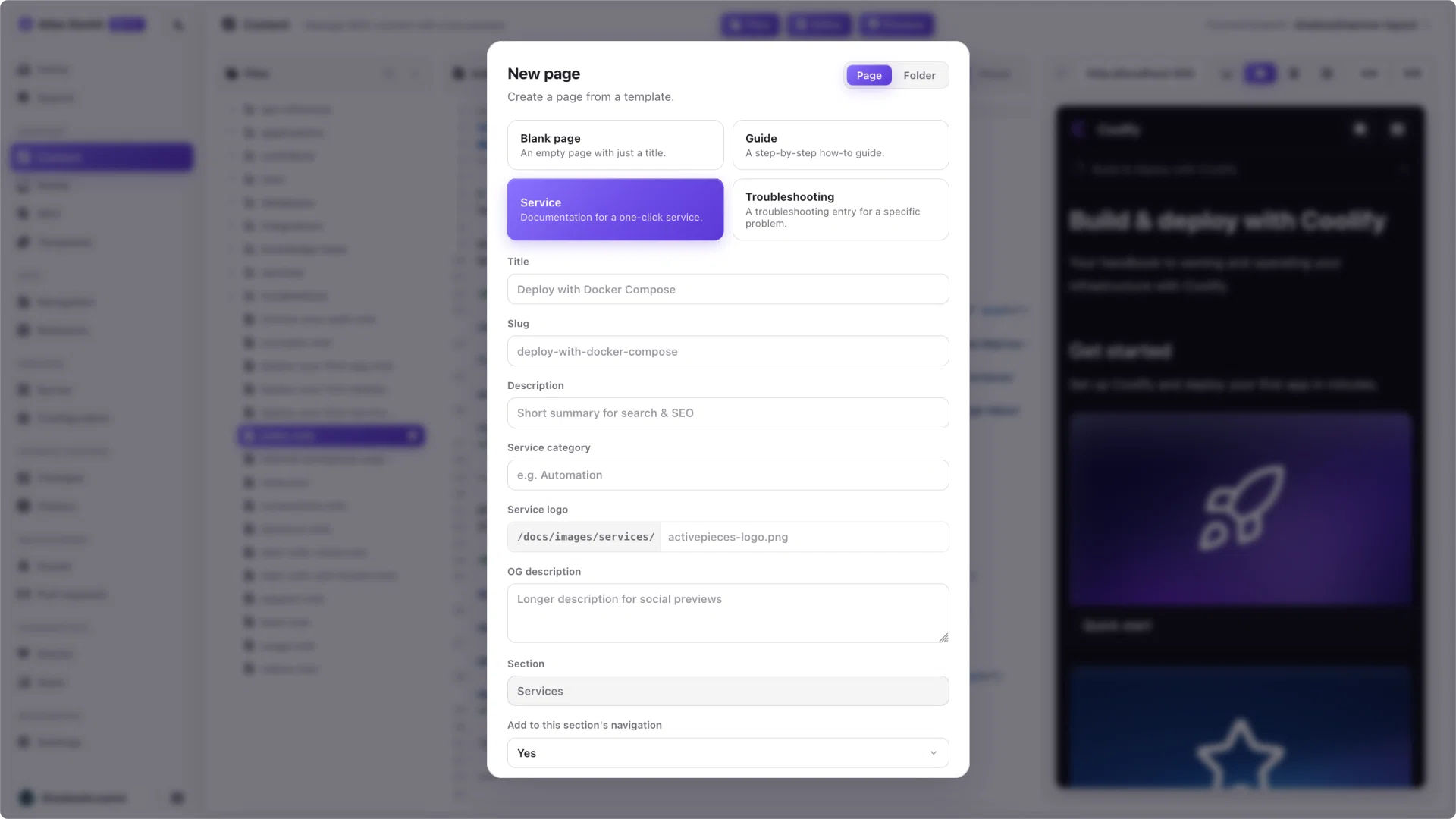
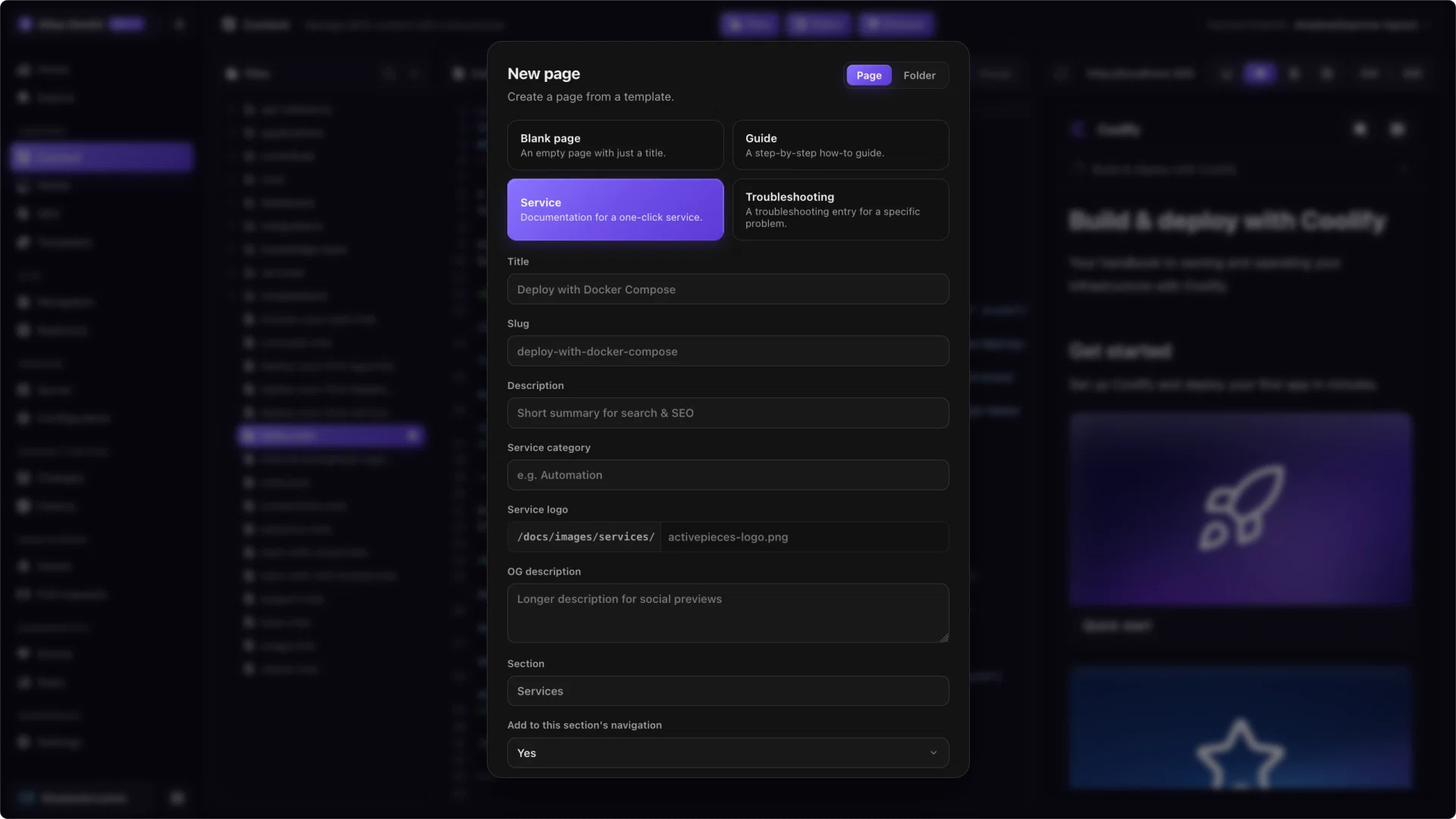
Open the New page dialog (from the sidebar or the command palette) and pick the Service template. Atlas then shows the service fields and always places the page in your services folder.
Give it:
- A title, which also derives the slug.
- A category, which groups it in the service directory.
- A logo, the image file in your media folder.
- An optional OG description for social previews.
Confirm, and Atlas creates the page, fills in the frontmatter, and can add it to the navigation for you. It then opens in the editor so you can write the content.
Note
The category and logo live in the page's frontmatter, so you can change them later from page settings or by editing the file.