Templates
Most docs pages start the same way: the same frontmatter, the same first heading, the same structure. Templates capture that starting point so you can create a new page in seconds instead of copying an old one.
Where templates live
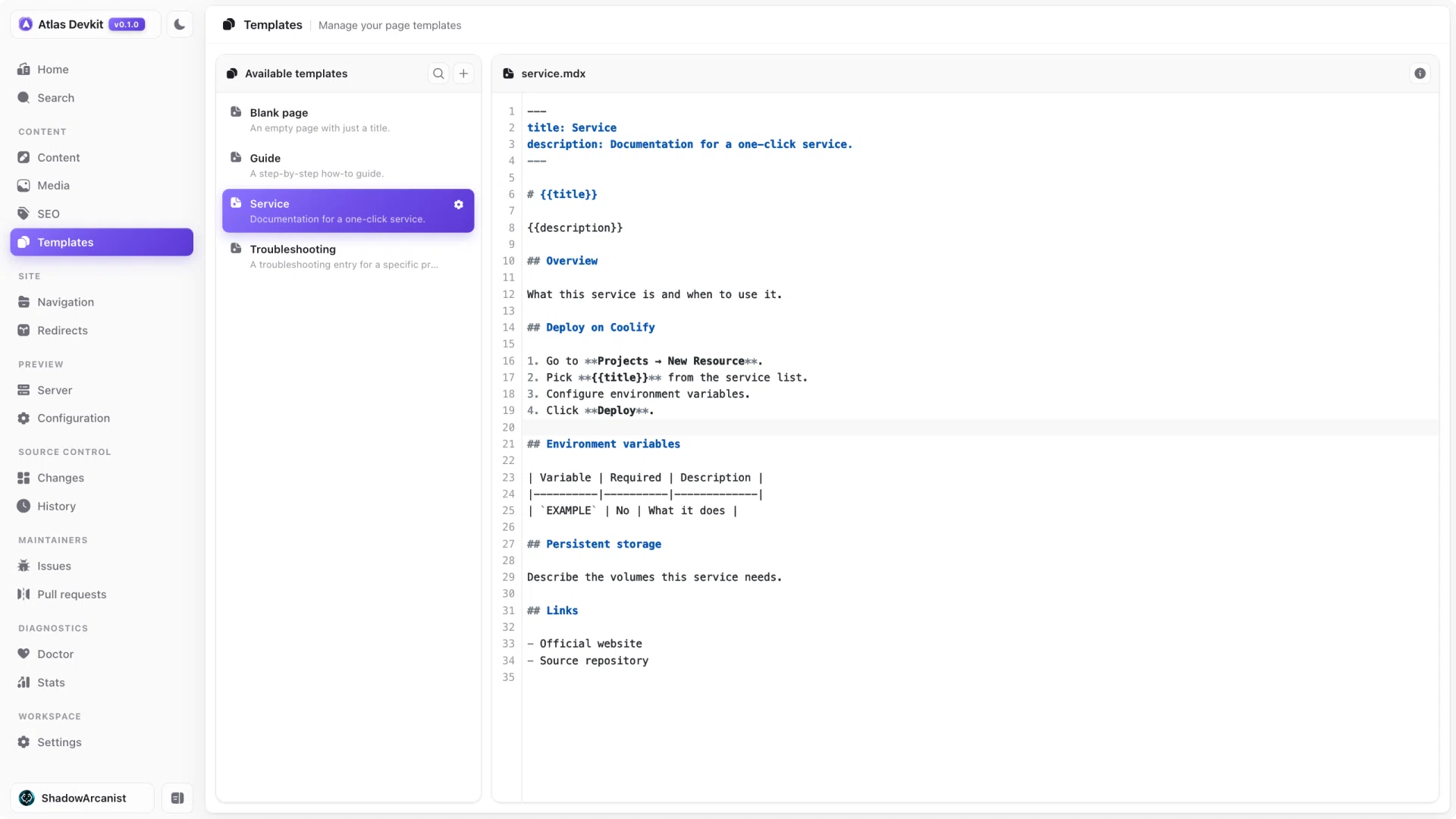
Templates are not hidden inside Atlas. They live in your repo, in the folder set by templateDir in atlas.json. That means they are version controlled and shared with everyone who works on the docs.
You can edit them in the Templates view, the same way you edit any page.
Creating a page from a template
When you create a new page, you pick a template, give the page a title, and Atlas does the rest:
- It derives a slug from the title, which you can override.
- It fills in the frontmatter.
- It can add the page to its section's navigation for you.
Service pages
Service pages have a few extra fields, like a category and a logo. When you pick the service template, Atlas shows those fields and always places the page in your services folder, so service docs stay consistent.
Because templates are just files in your repo, you can add your own. Create a template in your templateDir and it shows up in the picker.