Doctor
Doctor is your pre-flight check. It scans the whole docs set and flags the small problems that slip through, so you catch them before a reader, or a failed build, does.
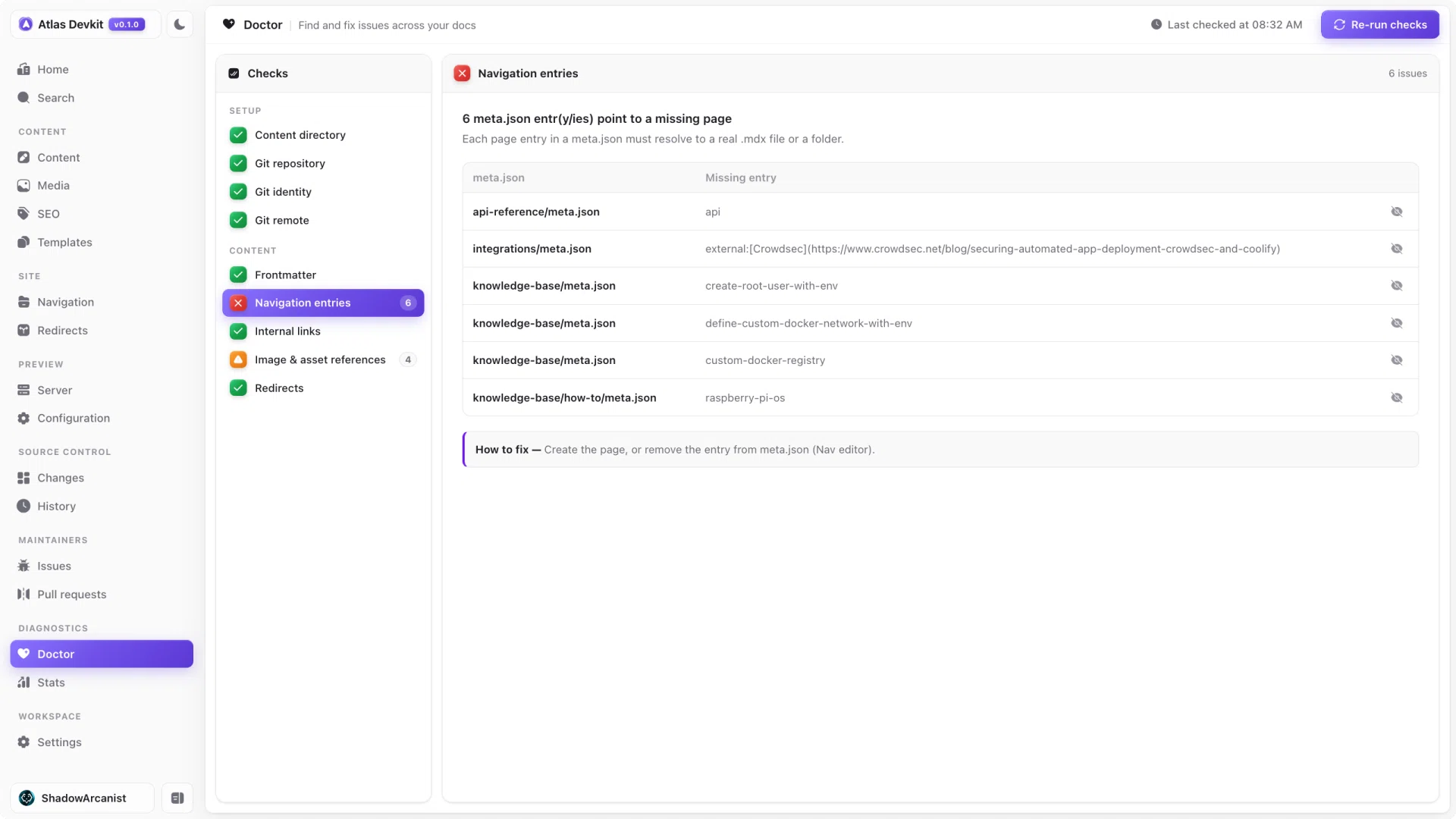
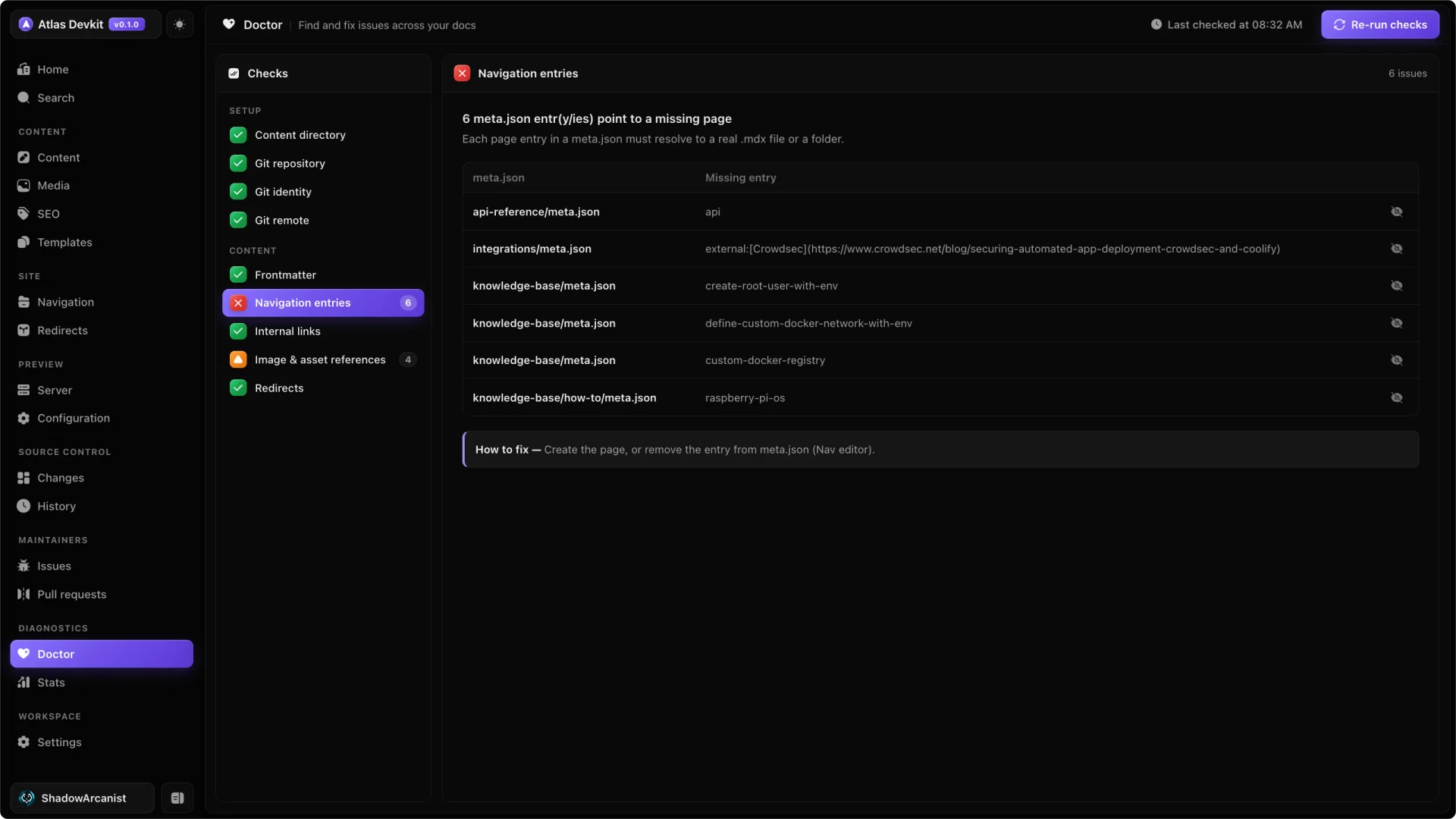
What it checks
Doctor runs several checks across your content:
- Frontmatter finds pages that are missing a
titleordescription. These drive the sidebar label and SEO, so they should never be empty. - Navigation entries finds
meta.jsonentries that point to a page or folder that no longer exists. - Internal links finds in-docs links that resolve to a missing page.
- Assets finds image and file references that are not in your public folder.
Each check comes back as pass, warn, or fail, with the exact files and entries that need attention.
Fixing what it finds
Every failing item tells you the page it is on and what is wrong, so you can open it, fix it, and run the scan again. The goal is a clean report before you commit.
Ignoring a result
Some flags are intentional. A link might point to a page you add later, or an asset that lives somewhere Doctor cannot see. You can mark a result as ignored so it stops showing up, and your real problems stay easy to find.
Run Doctor before you commit a batch of changes. A broken internal link or a stale meta.json entry is much cheaper to fix now than after it ships.