Command palette
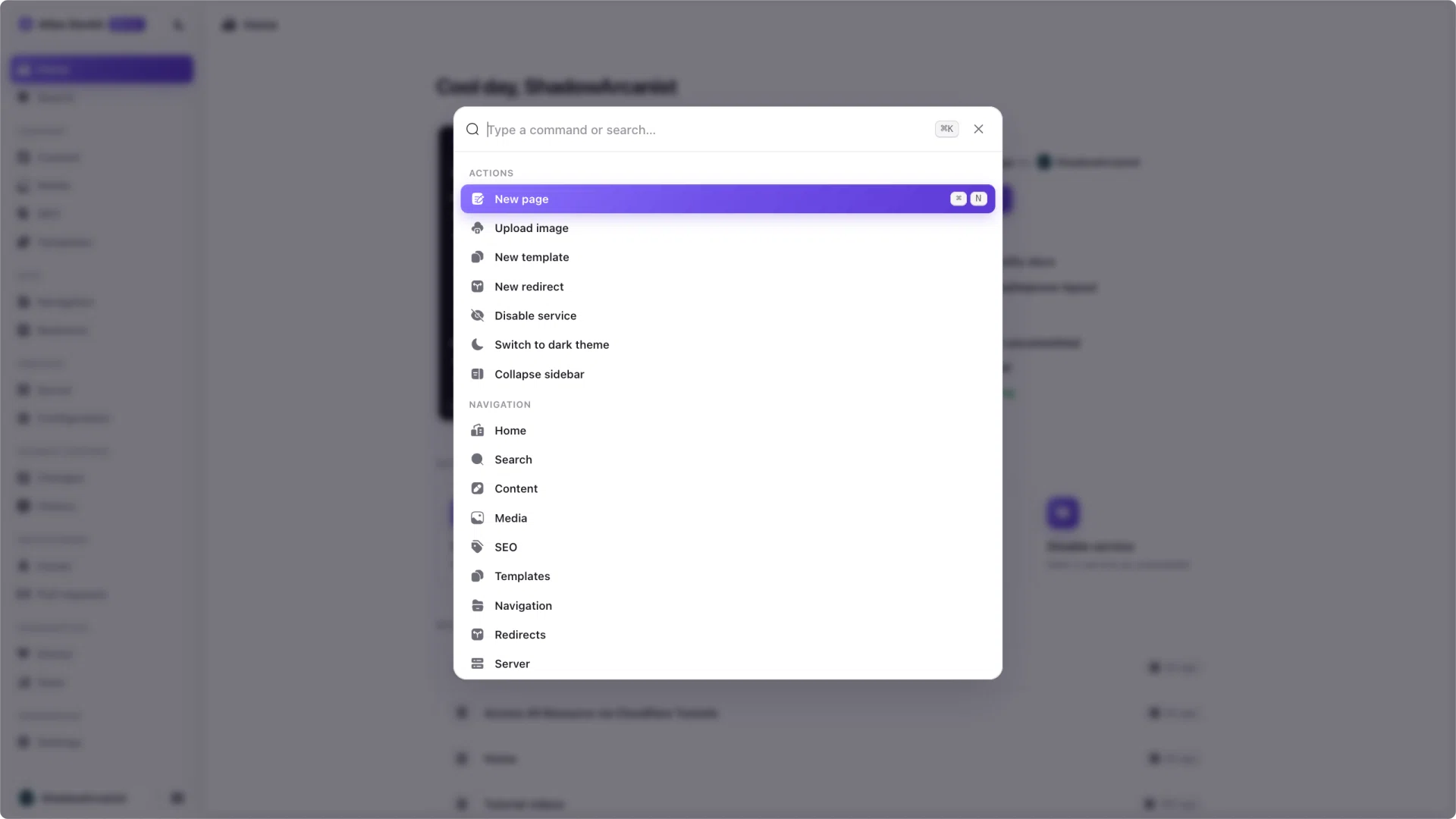
The command palette is the fastest way to get around Atlas. Open it, type a few letters, and jump to a view or run an action, all without reaching for the mouse.
Opening it
Press ⌘K on macOS or Ctrl+K on Windows and Linux to open the palette. Press it again, or Esc, to close it.
What you can do
Results are grouped:
- Navigation takes you to any view, like the editor, media, or Doctor.
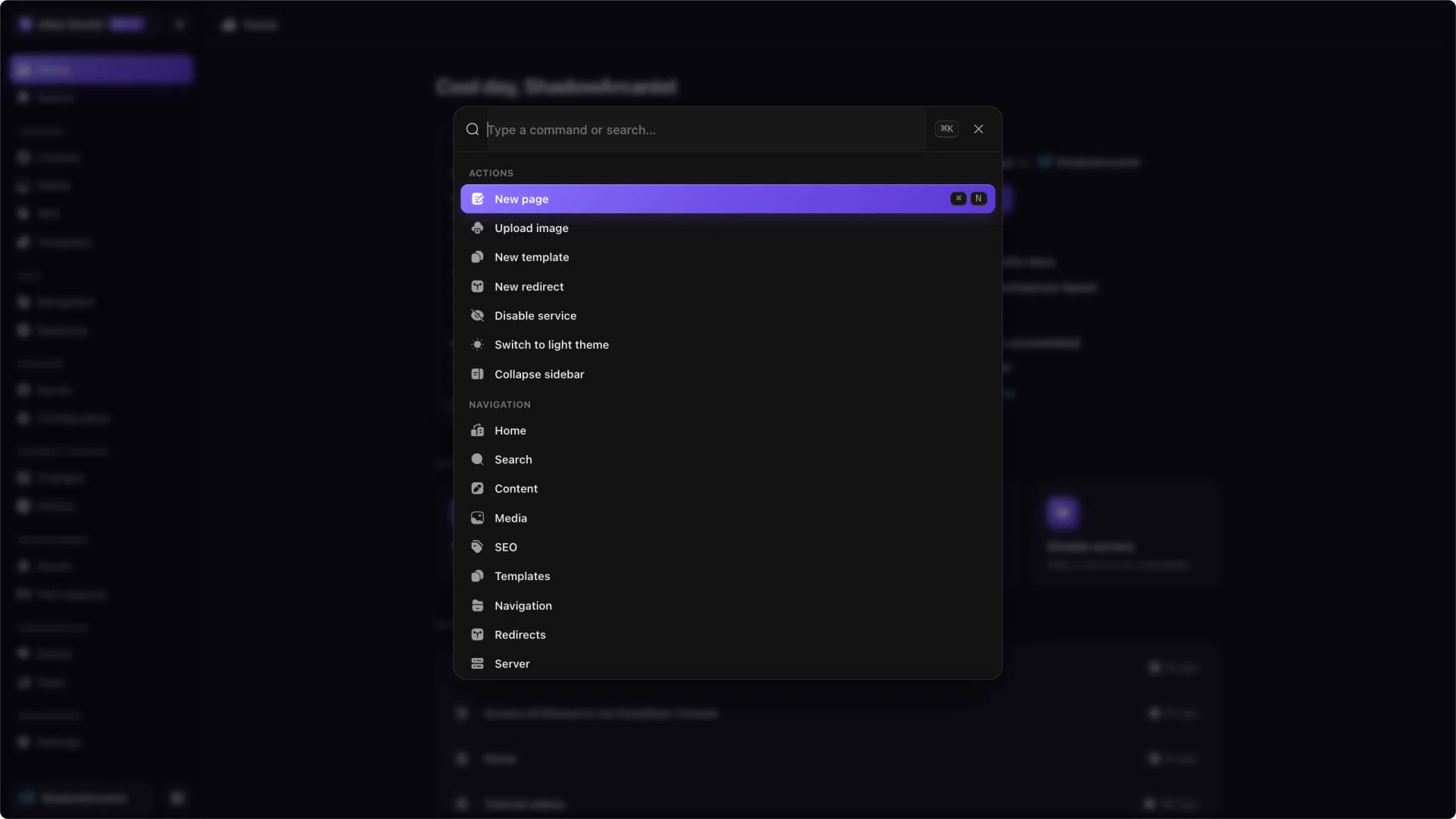
- Actions runs a one-off task, like creating a new page, uploading an image, disabling a service, or switching the theme.
Some actions show their own shortcut, like ⌘N for a new page, so you can learn the ones you use most.
Searching
Type to filter. Matches in a result's visible name rank above matches in its hidden keywords, so searching for "content" brings the Content page to the top, not an unrelated action that happens to mention content.
The "Save changes" action only appears when you have unsaved edits, and it sits at the bottom of the actions, so the palette is not cluttered when there is nothing to save.