Pull requests
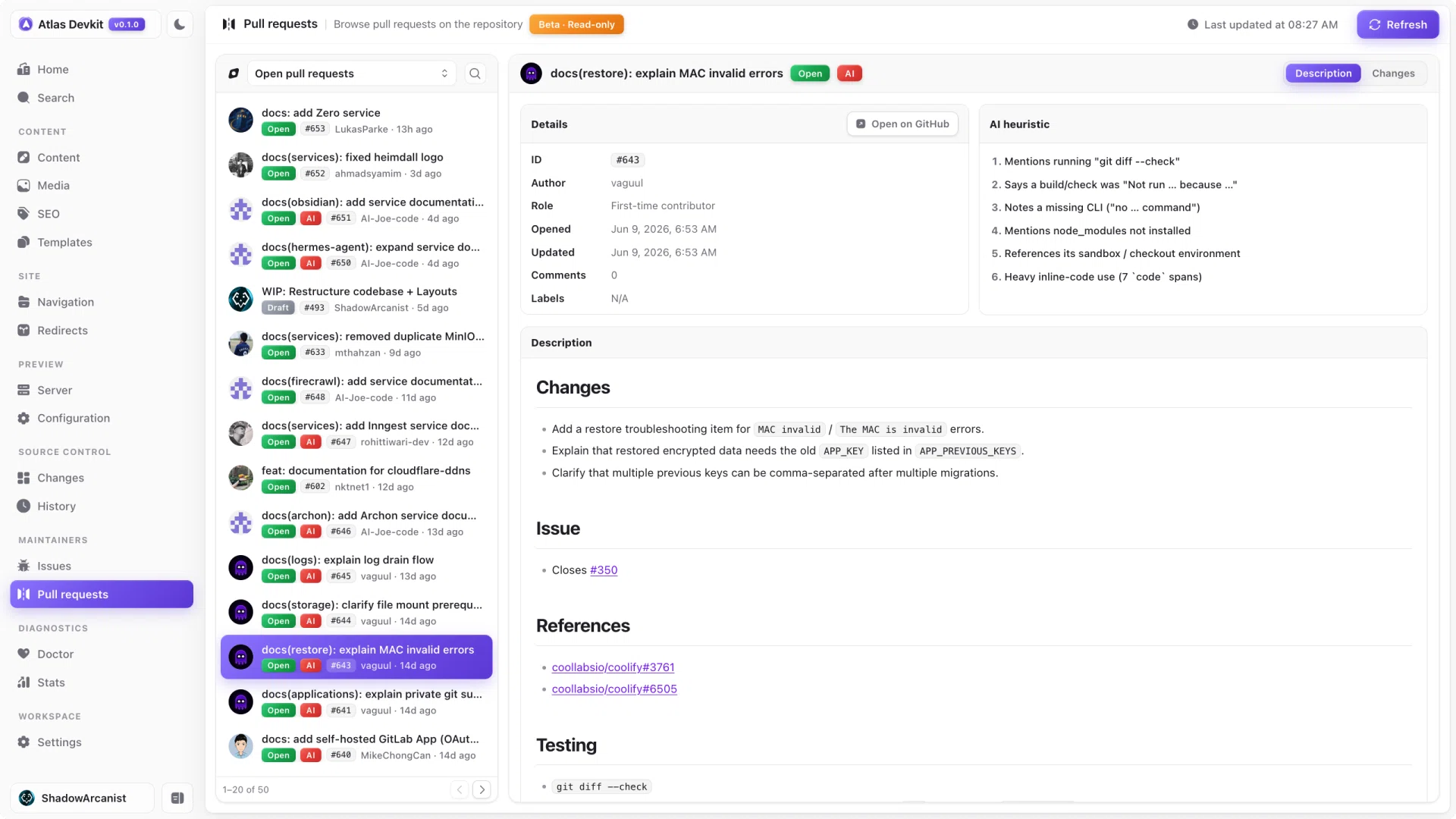
When someone opens a pull request against the docs, you want to see what changed without leaving your workspace. Atlas brings your repo's pull requests into the app.
Browsing
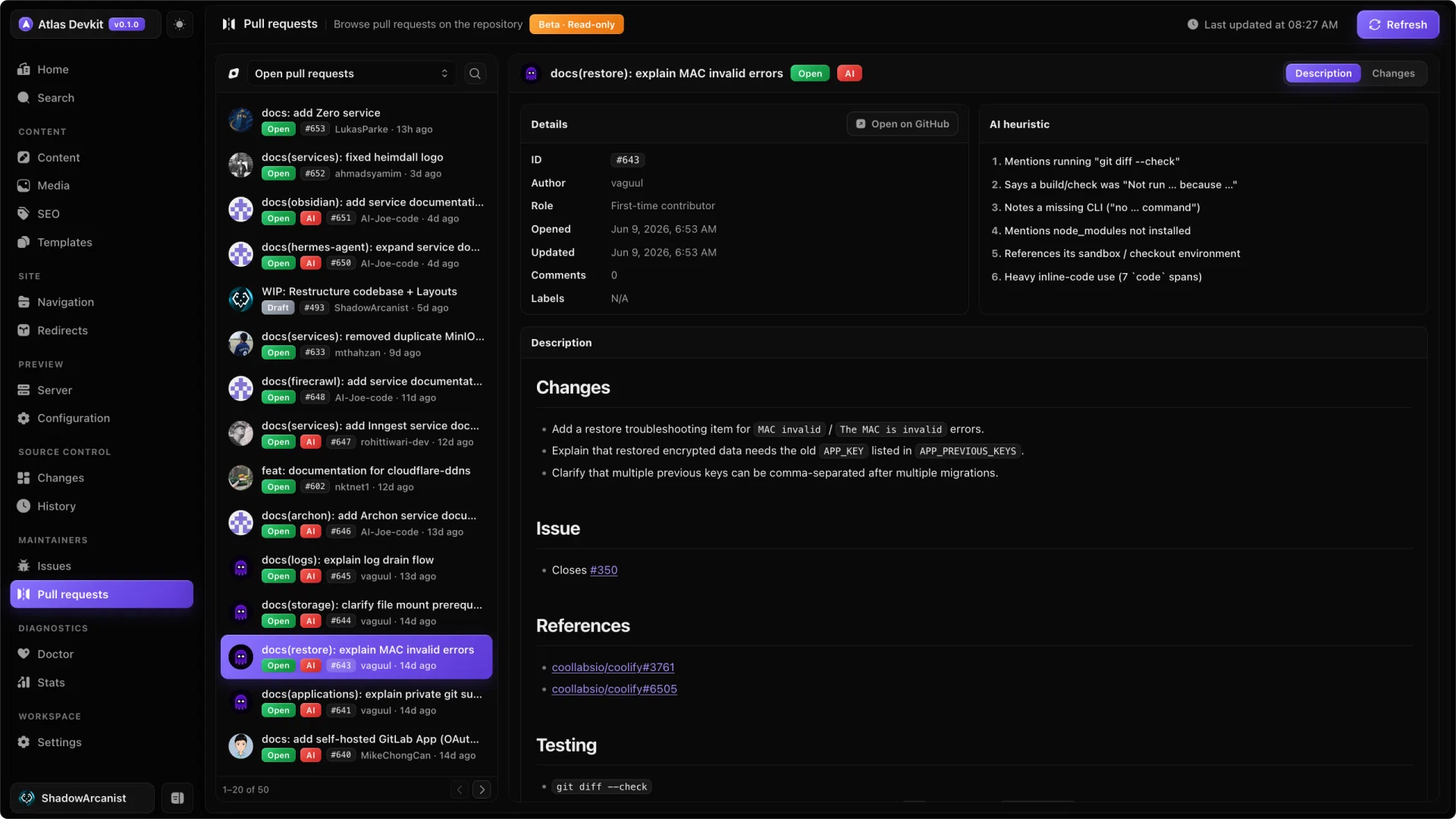
Atlas lists your repo's pull requests, both open and closed. Select one to read its description and see its state, the same way GitHub shows it.
Requirements
This view uses the GitHub CLI under the hood, so you need it installed and signed in. If it is not set up, Atlas tells you what to do. Once the CLI is authenticated, your pull requests show up automatically.
Heads up
This view is in beta and is read-only. You can browse pull requests, but you review and merge them on GitHub itself.