SEO manager
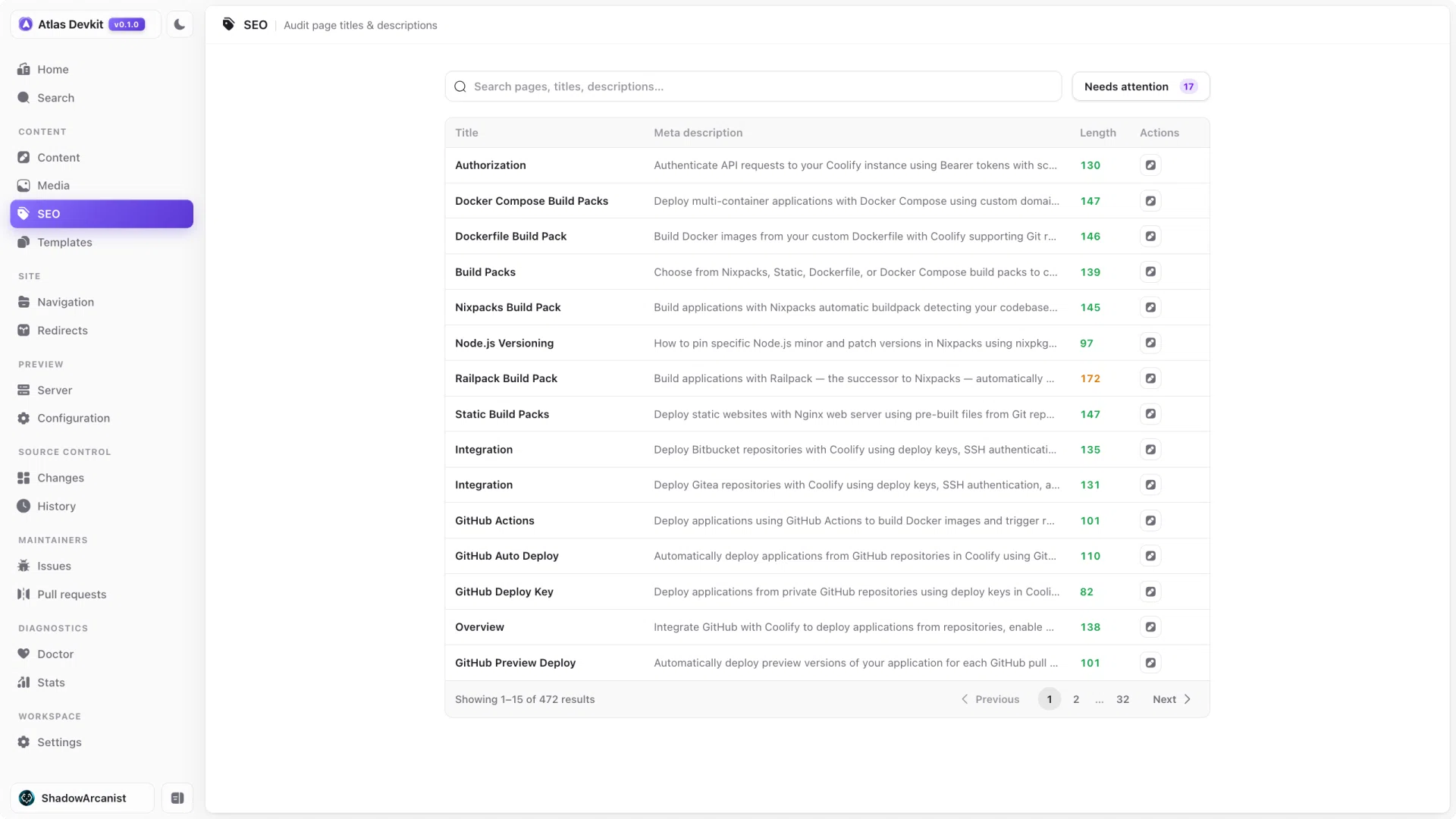
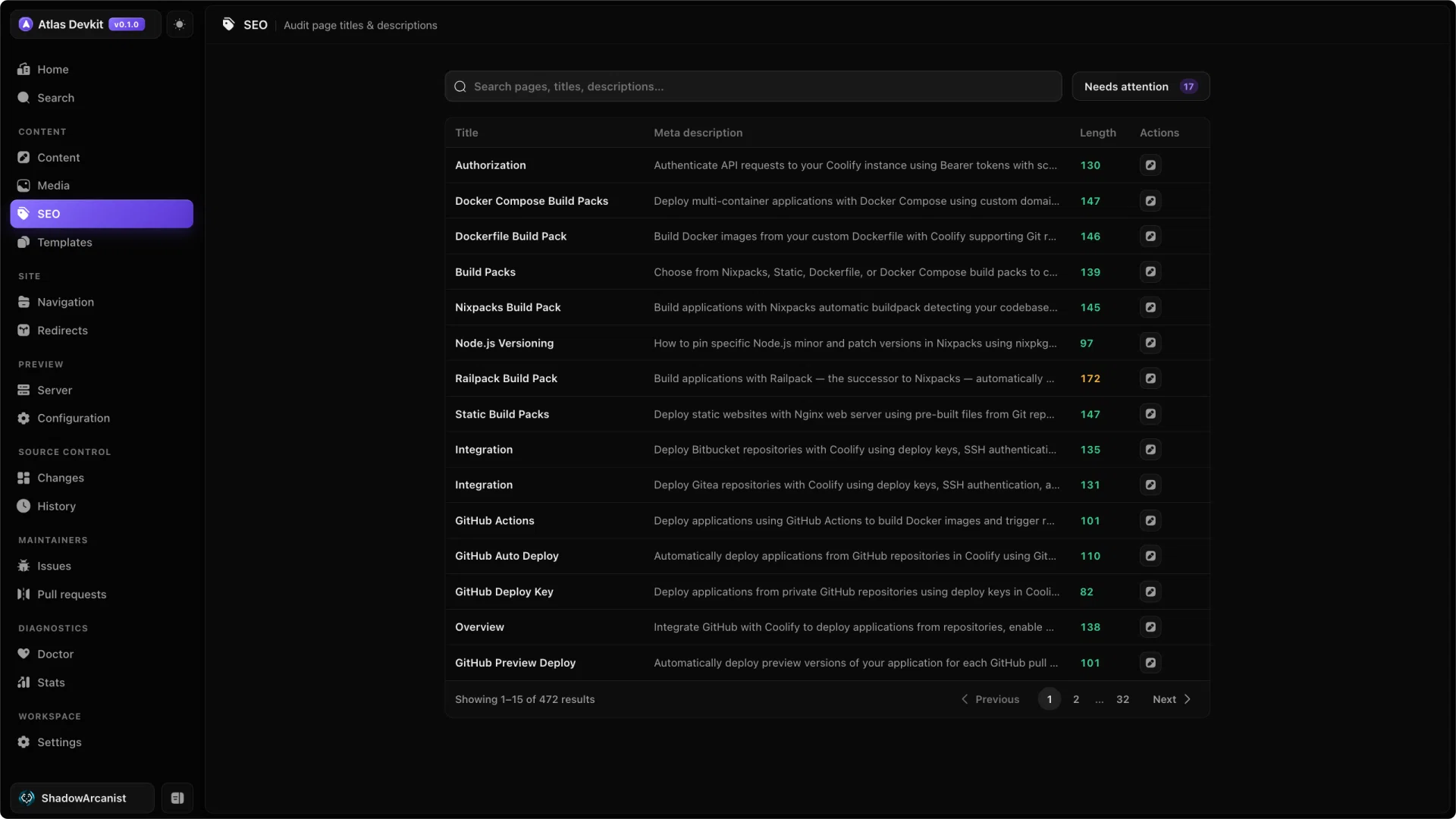
Titles and descriptions are what people see in search results and link previews, but they are easy to forget. The SEO manager lists every page so you can spot the gaps and fix them in one place.
What it checks
Each page gets a status:
- Missing means the page has no title or no description.
- Warn means the description is outside the recommended length.
- OK means the title and description are both set and well sized.
The recommended description length is 50 to 160 characters. Shorter and it says too little, longer and search engines cut it off.
Fixing problems inline
You do not have to open each page to fix it. Edit the title and description right in the SEO manager, and Atlas writes them back to the page's frontmatter.
For long docs, search by path, title, or description to jump to the pages you care about.
The title and description here are the same frontmatter fields you edit in page settings. The SEO manager just gives you the bird's-eye view across every page at once.