The dashboard
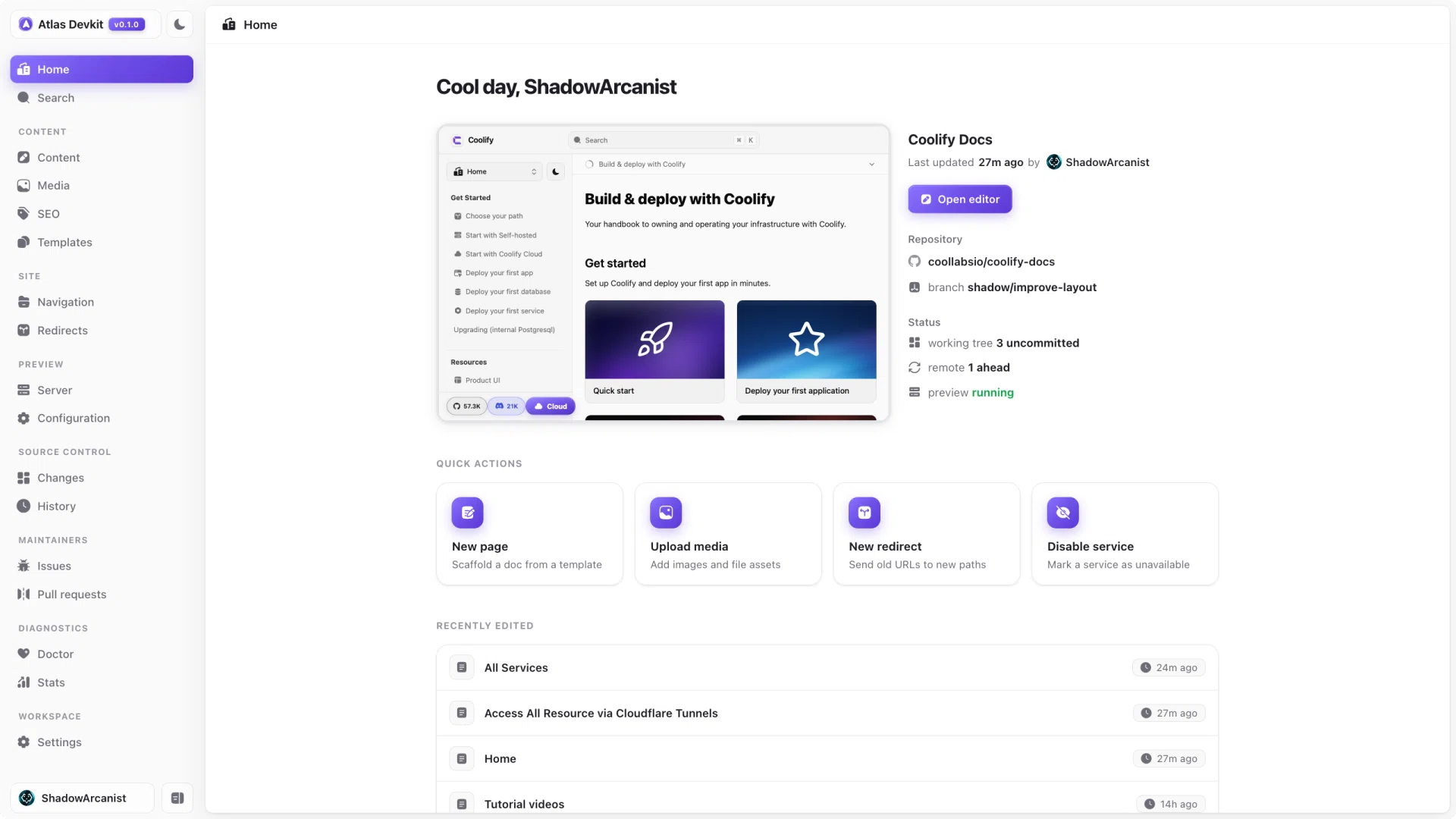
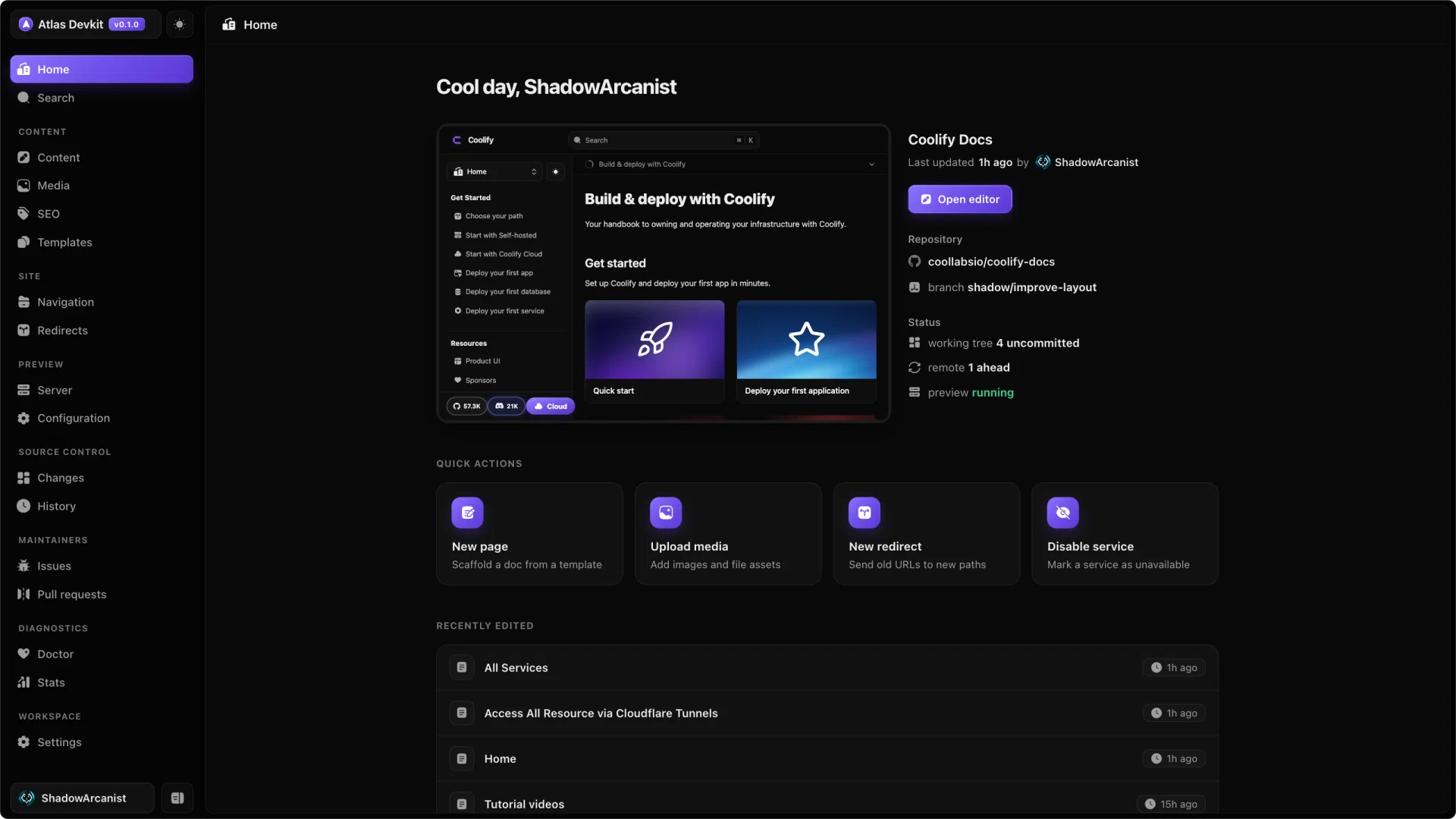
When Atlas opens, it lands on the Home overview. It is the at-a-glance view of your docs: what changed, whether the preview is running, and the fastest way into a common task.
Quick actions
A row of one-click shortcuts for the things you do most: create a new page, upload an image, add a redirect, or disable a service. Each opens the same dialog you would reach from the command palette.
Status at a glance
The overview surfaces the state of your workspace so you do not have to go looking:
- Git status: the current branch, how many files have changed, and whether you are ahead of or behind your remote.
- Preview server: whether your docs dev server is running and reachable. Start it from the preview server view.
- Recent edits: the pages you touched most recently, so you can jump straight back in.
Live preview
If the preview server is running, the overview embeds a live view of your rendered docs, so you can see the real site without leaving Atlas.