The workspace
A workspace is just your docs repo plus a small atlas.json file that tells Atlas where things live. The Coolify docs repo already ships with this file configured, so as a contributor you never have to touch it. This page is here so you understand what it does.
Atlas never guesses. Every folder it reads or writes, the preview server it runs, and the redirects file it edits all come from this one config.
The atlas.json file
atlas.json lives at the root of your repo, next to package.json. Here is the config the Coolify docs use, already set up for you:
{
  "name": "Coolify Docs",
  "contentDir": "content/docs",
  "redirectsFile": "nginx/redirects.conf",
  "publicDir": "public",
  "mediaDir": "public/images",
  "templateDir": "templates",
  "previewUrl": "http://localhost:3000",
  "previewCommand": "bun run dev",
  "redirectBasePath": "/docs"
}
All paths are relative to the root of your repo.
What each field does
| Field | What it controls |
|---|---|
name | The workspace name shown in the top bar and overview. |
contentDir | The folder that holds your MDX pages and meta.json files. |
redirectsFile | The nginx redirects file the redirects manager edits. |
publicDir | The folder served as static assets. |
mediaDir | Where uploaded images are saved. |
templateDir | Where your page templates live. |
previewUrl | The address of your docs dev server, used for the live preview. |
previewCommand | The command Atlas runs to start the preview server. |
redirectBasePath | The base path your docs are served under, like /docs. |
A few optional fields fine-tune the preview server. They are left out of the config above because they default to off:
| Field | What it controls |
|---|---|
previewHealthPath | An optional path Atlas pings to confirm the preview server is really up. |
previewAutoStart | Start the preview server automatically when Atlas launches. |
previewAutoRestart | Restart the preview server automatically if it crashes. |
previewEnv | Environment variables passed to the preview command. |
The previewUrl and redirectBasePath are also how Atlas builds image URLs. An image saved in mediaDir is linked using redirectBasePath, so it resolves the same way in the live preview and in production.
Changing the settings
You will rarely need to, but if you do maintain the repo's setup, you can change these values without editing atlas.json by hand. The Workspace settings page lets you change them from the dashboard, and Atlas writes them back to atlas.json for you.
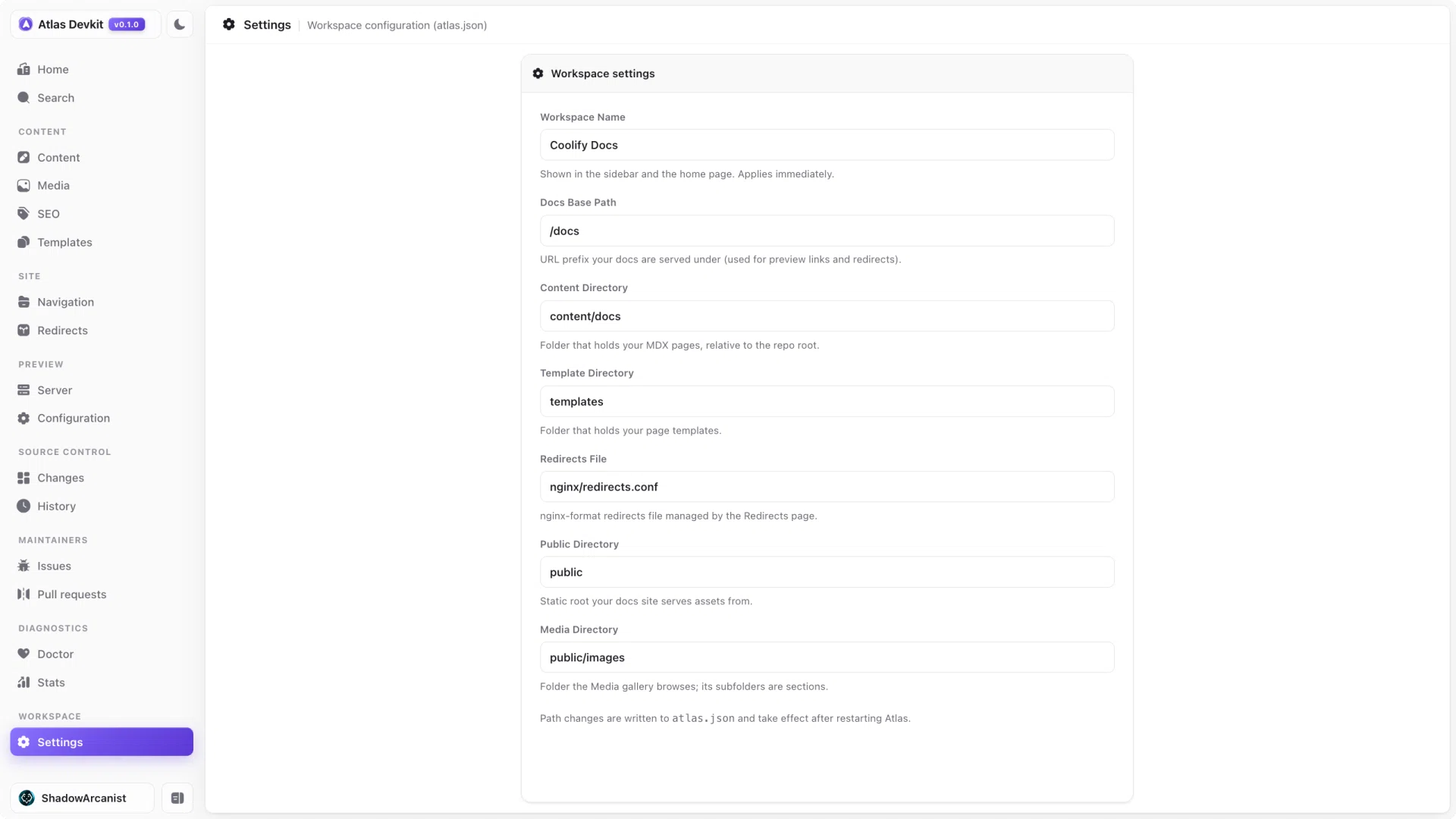
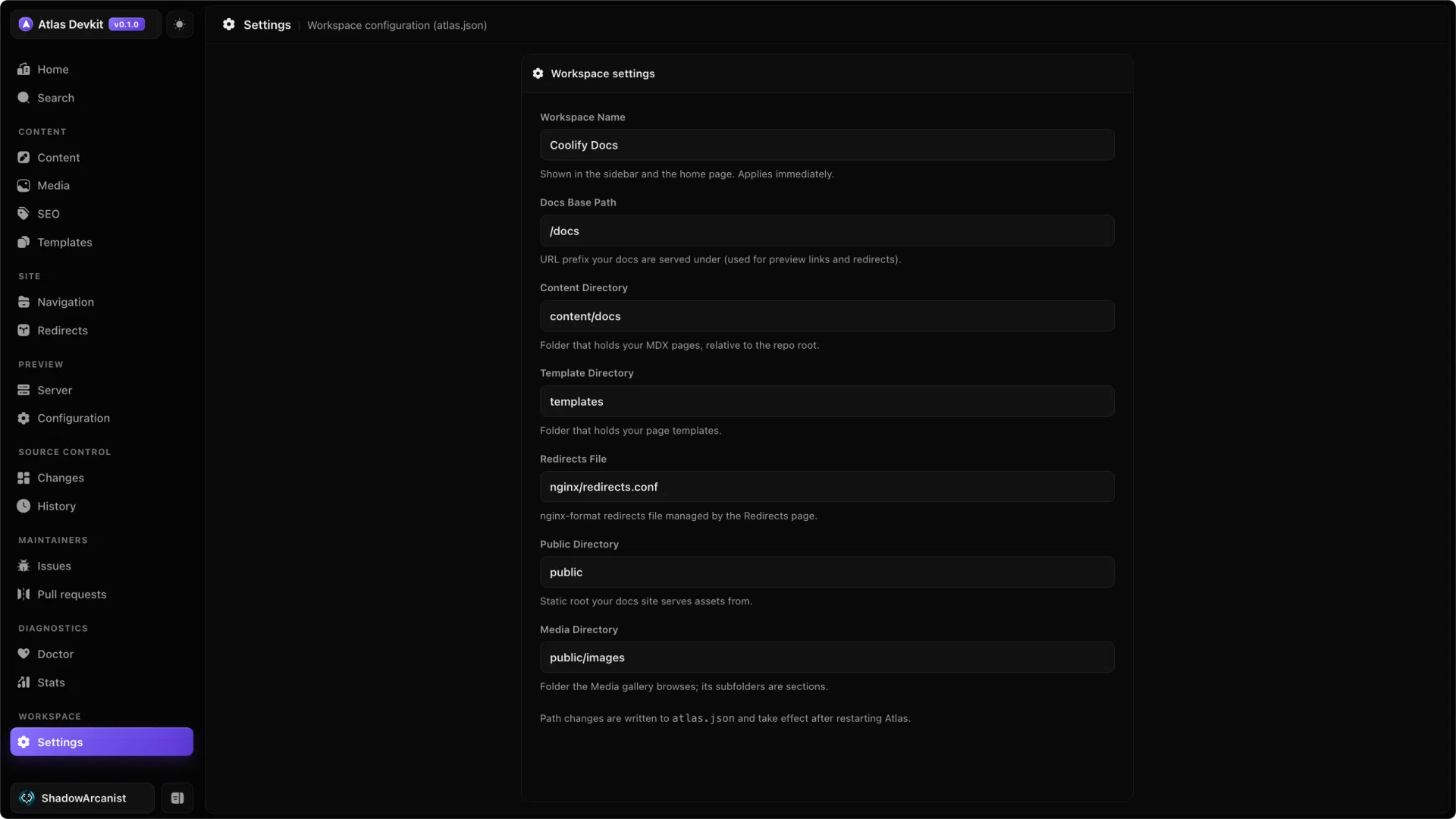
Editing the file directly and editing it from the settings page do the same thing, so pick whichever you prefer.
Command-line options
A couple of things are set when you launch Atlas rather than in atlas.json:
| Flag | Environment variable | Default | What it does |
|---|---|---|---|
--root <path> | ATLAS_ROOT | current directory | The docs repo Atlas works on. |
--port <number> | ATLAS_PORT | 4444 | The port the Atlas dashboard runs on. |
So atlas --root . --port 4500 runs Atlas on port 4500 against the current folder. The dev:atlas script in installation just wires up --root for you.