Review and commit changes
Once you have edited a few pages, you need to commit them. Atlas has Git built in, so you can review what changed and commit without switching to a terminal.
Reviewing what changed
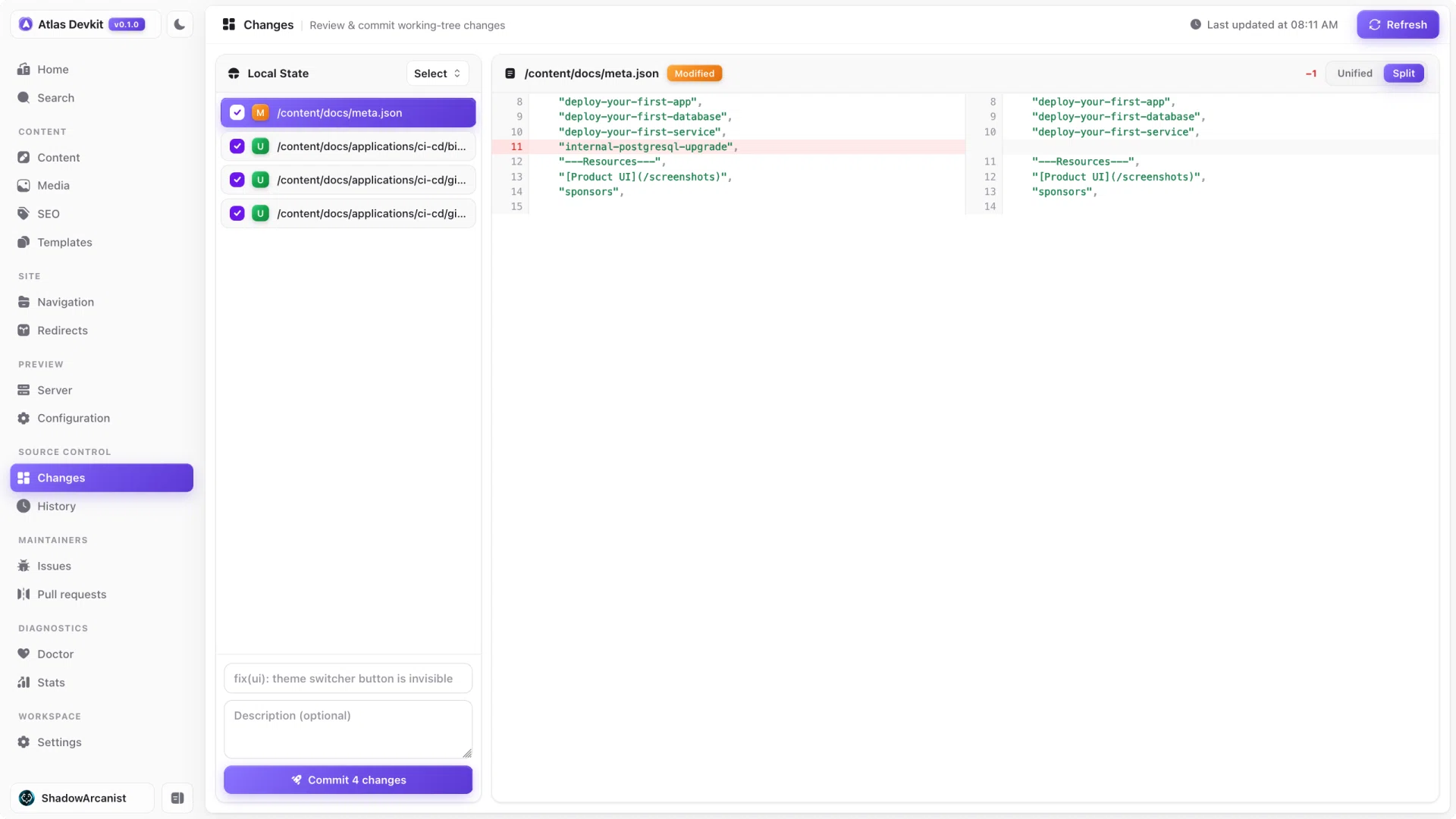
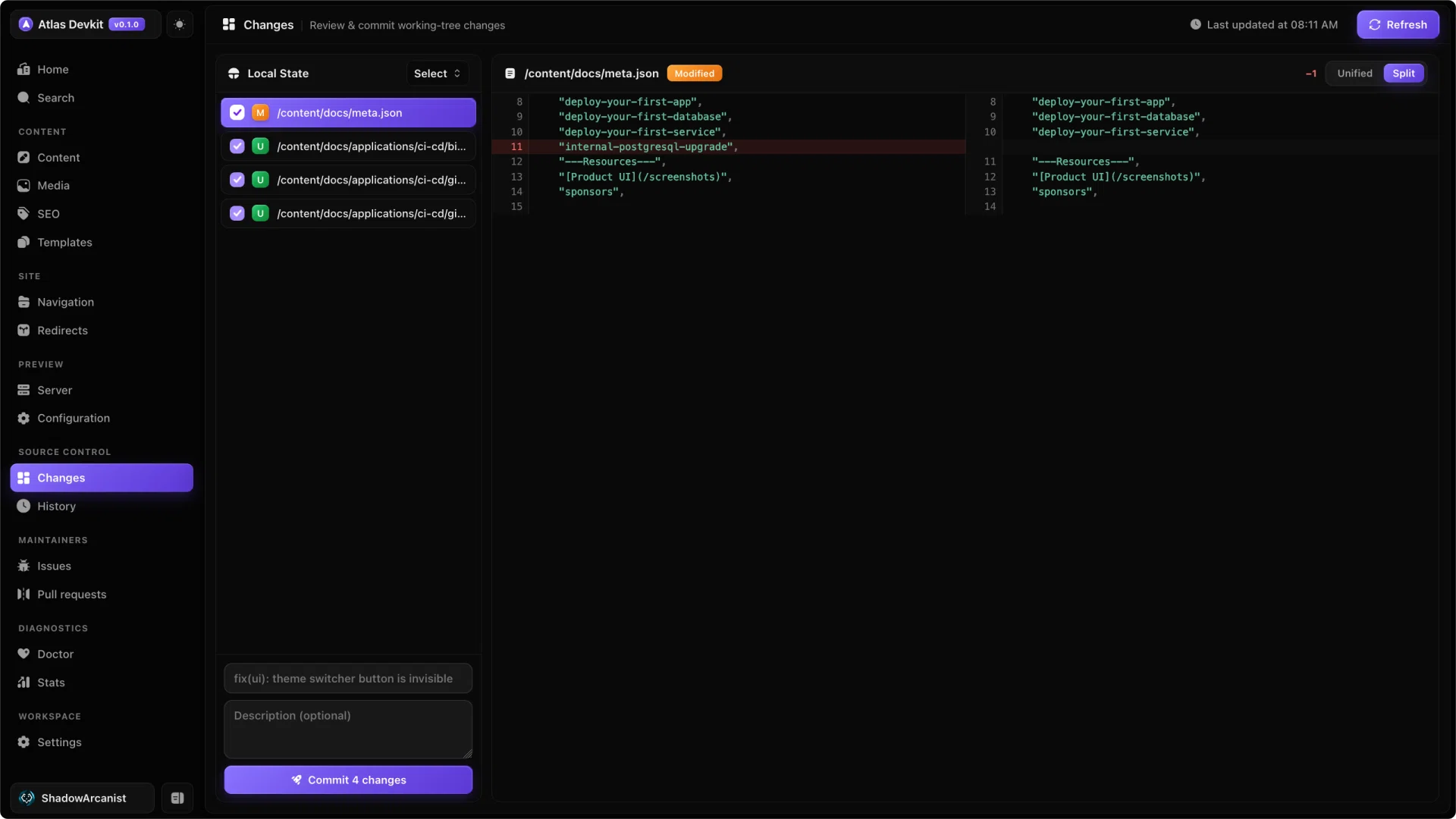
Atlas shows your working-tree changes: every file you have added, edited, or removed since the last commit. Select a file to see its diff, so you can read exactly what you are about to commit, line by line.
Staging and committing
You choose which files go into a commit. Stage the ones you want, write a commit message, and commit. The files you leave out stay as working changes for a later commit.
This makes it easy to split unrelated edits into clean, separate commits instead of one big mixed one.
Atlas works on the same Git repo as your terminal. Anything you commit here shows up in git log, and anything you commit in the terminal shows up here.