Disabling a service
Sometimes a service needs to be taken down: it was removed from Coolify, or it is temporarily broken. The convention is to add a warning callout to the top of the service page, which also flags the service as disabled in the generated services data. Atlas does both for you.
Opening the dialog
You can start from two places:
- The Disable service quick action on the overview screen.
- The command palette, by searching for "Disable service".
Filling it in
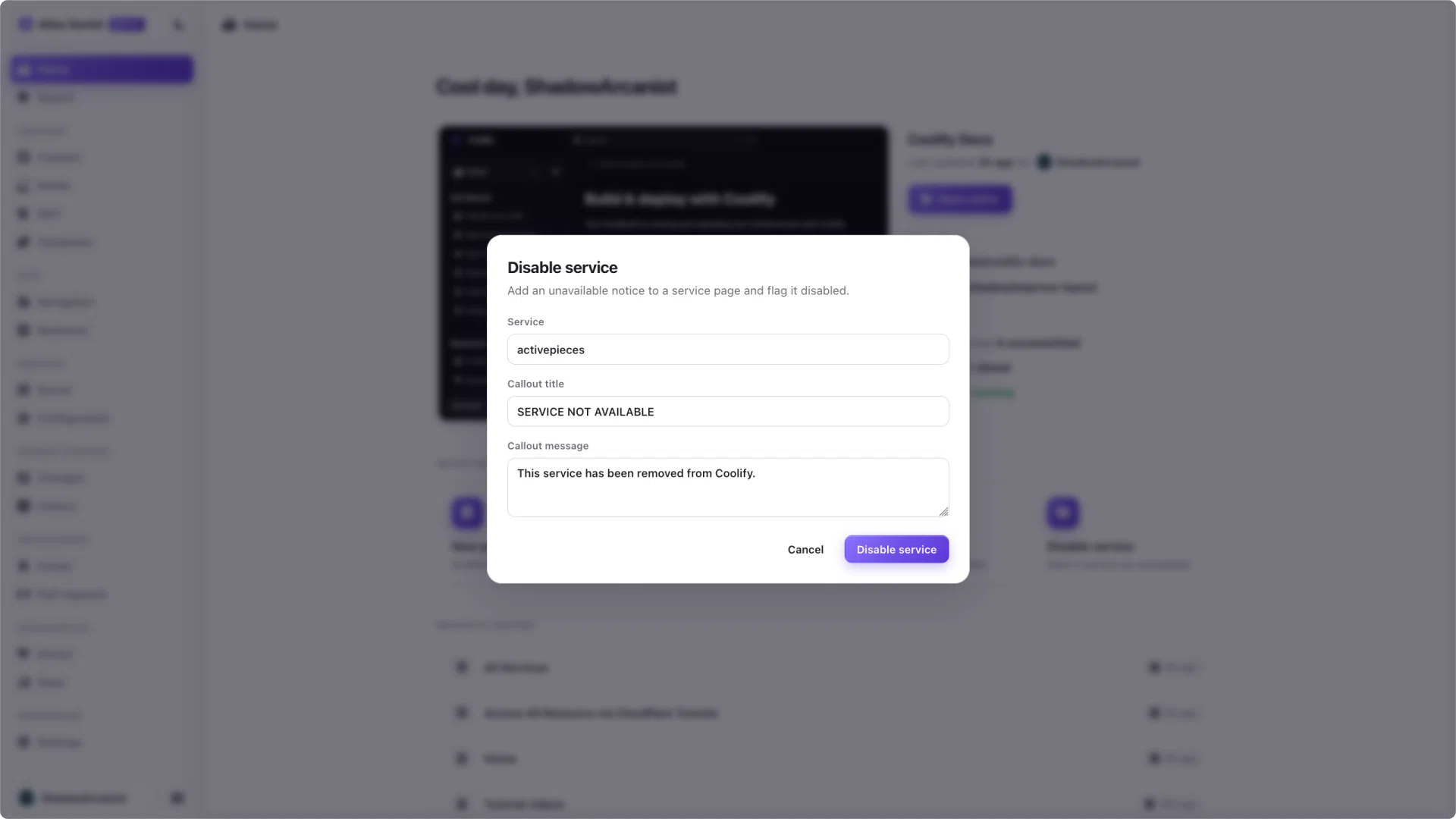
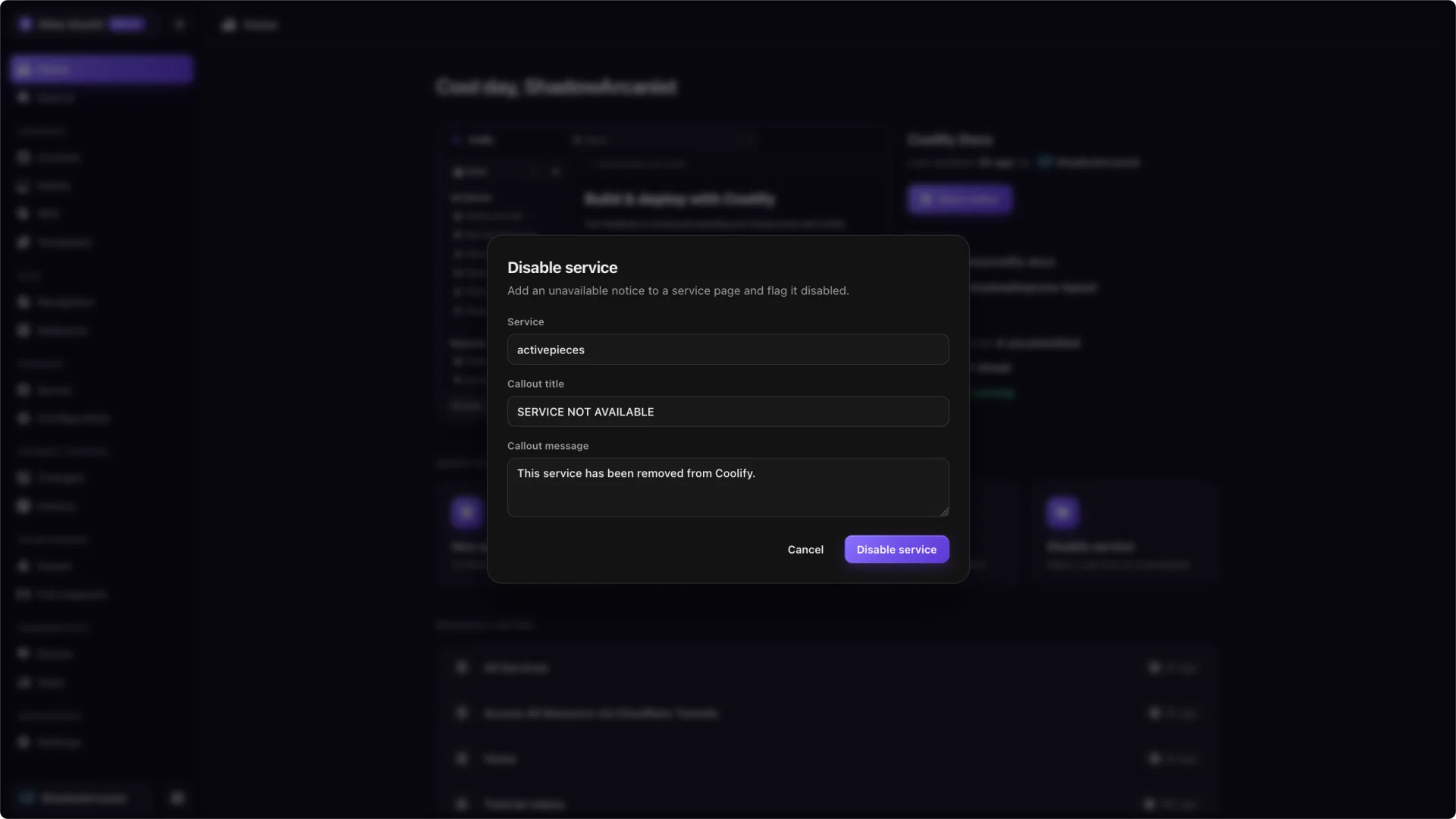
The dialog has three fields:
- Service is a search box. Start typing and pick the service you want to disable.
- Callout title is prefilled with
SERVICE NOT AVAILABLE. You can edit it, but keep a phrase like "NOT AVAILABLE" so the service is still flagged as disabled. - Callout message is prefilled with a short explanation that you can rewrite to say why the service is down.
When you confirm, Atlas adds the callout near the top of the service page and opens it in the editor, so you can review the result.
The title is what flags the service. The generator marks a service disabled when its page has a callout titled SERVICE NOT AVAILABLE, SERVICE HIDDEN, SERVICE REMOVED FROM COOLIFY, or SERVICE TEMPORARILY DISABLED. If you change the title to something else, the callout still shows, but the service will not be flagged.
If a service already has a disable notice, Atlas tells you instead of adding a second one.