Search
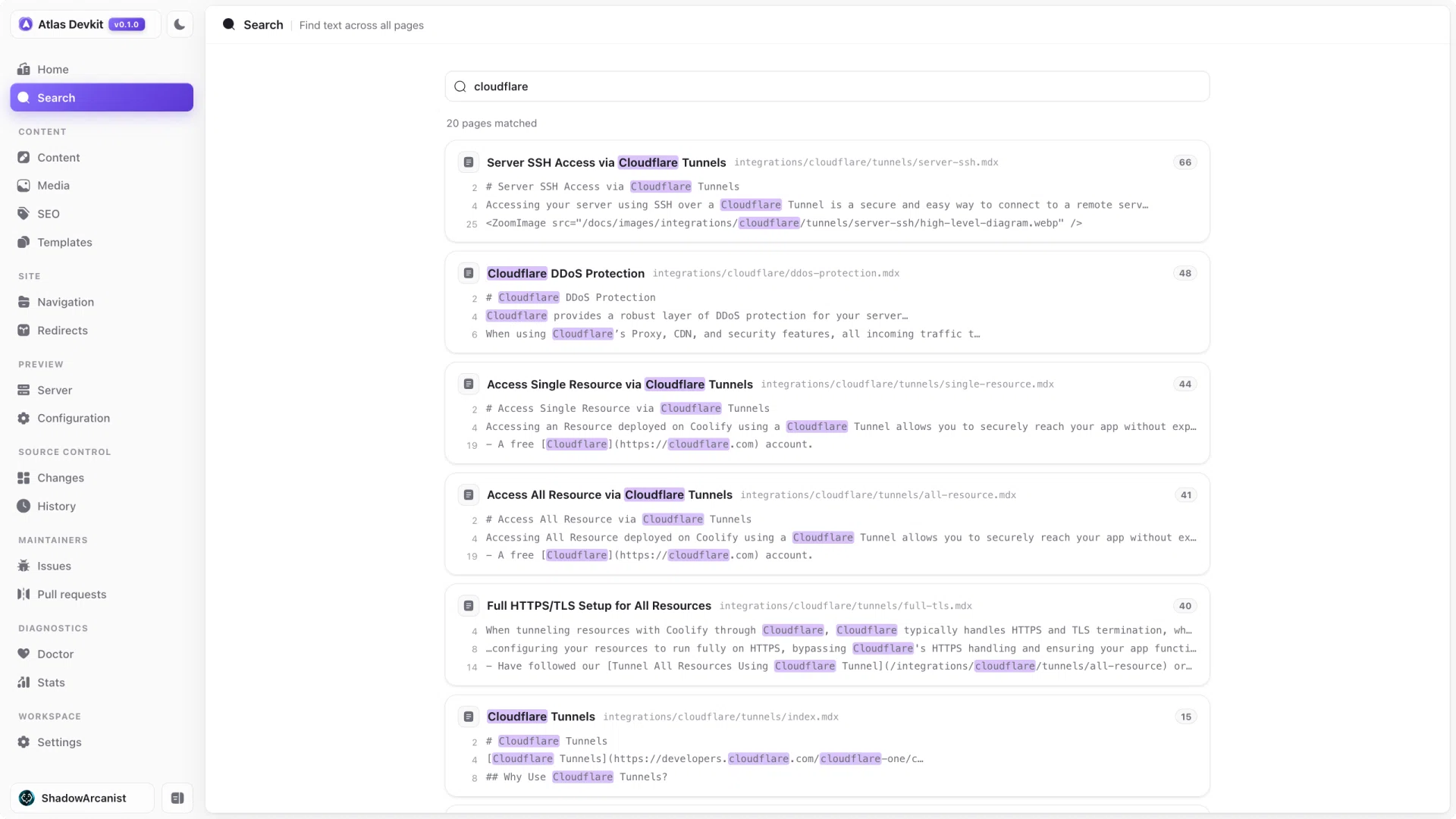
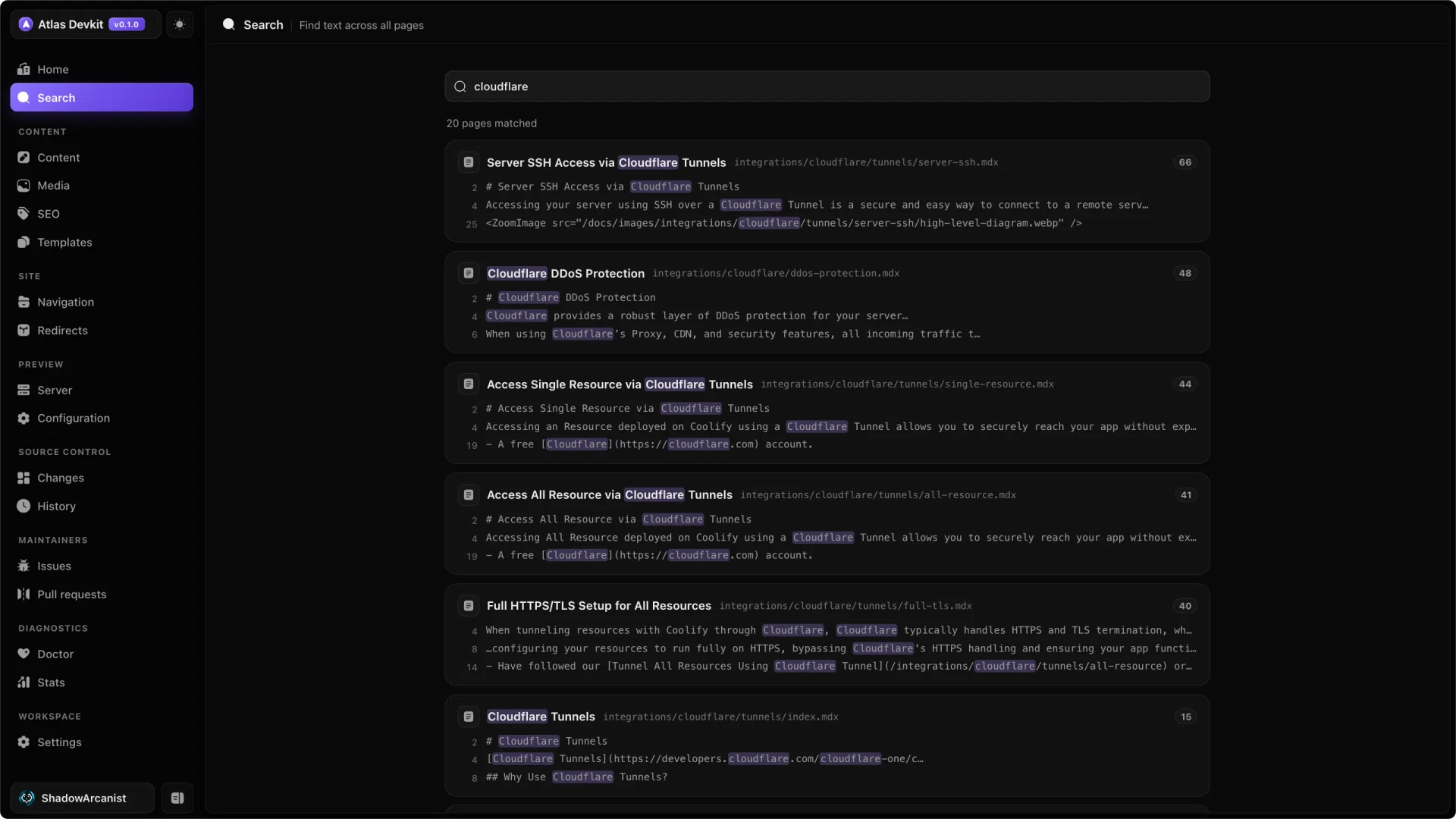
Search looks across your whole docs set, not just page titles. Type a few words and Atlas matches them against every page's title, description, and body, so you can find the page you mean even when you only remember a phrase from inside it.
How it works
- Results update as you type.
- Each result shows the page path and a snippet with your terms highlighted, so you can tell the right match from a near one.
- Click a result to open that page in the editor.
Note
Search reads the files on disk, so it always reflects your latest saved content. There is no index to rebuild.
When results are capped
For a very broad query, Atlas returns the top matches and marks the list as truncated rather than rendering thousands of hits. Add a more specific word or phrase to bring the page you want to the top.