Editor and live preview
The editor is where you spend most of your time. You open a page, write MDX, and see it render right next to you. When you save, the preview updates.
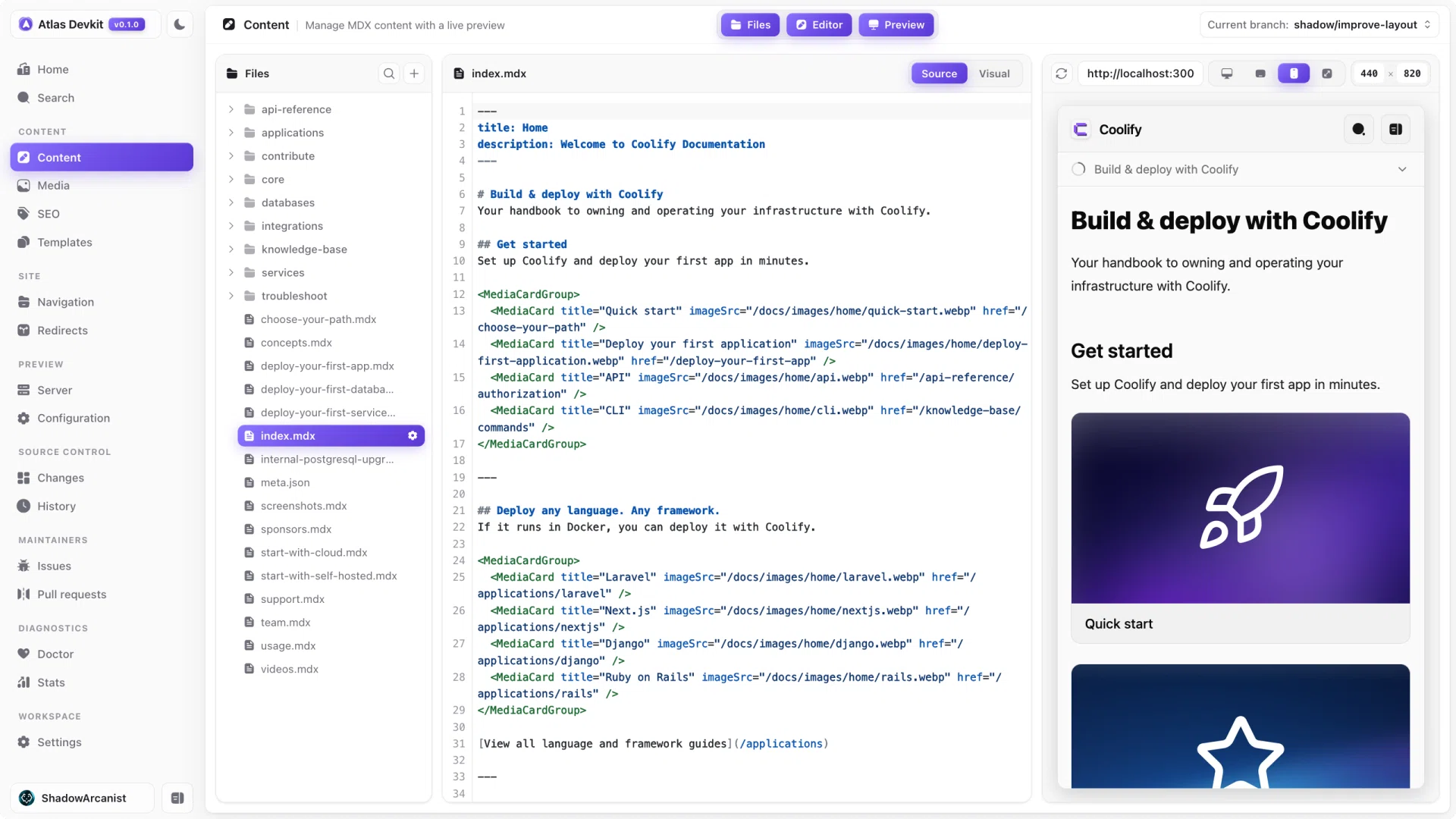
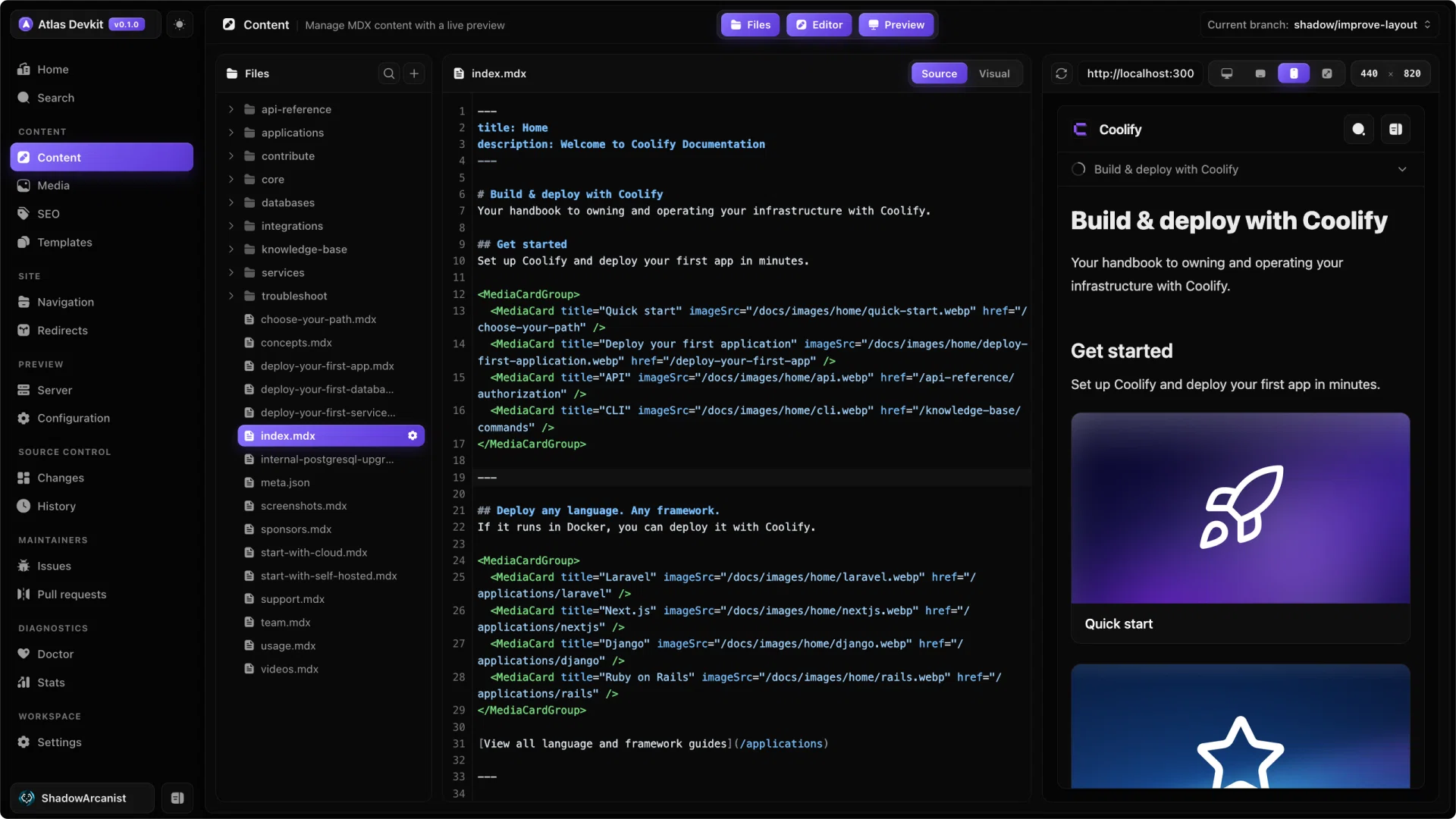
The three panes
The editor is split into panes you can show or hide from the top bar:
- Files lists every page in your
contentDir. Click one to open it. - Editor is where you write, in source or visual mode.
- Preview shows the rendered page.
Hide a pane when you want more room. For example, turn off the preview to focus on writing, or turn off files to widen the editor.
Source and visual mode
You can write a page two ways, and Atlas remembers your choice:
- Source mode is a full MDX editor with syntax highlighting. This is the reliable way to edit, and it is the default.
- Visual mode edits the page as blocks, without touching the MDX directly. Type
/to open the slash-command menu and insert a block.
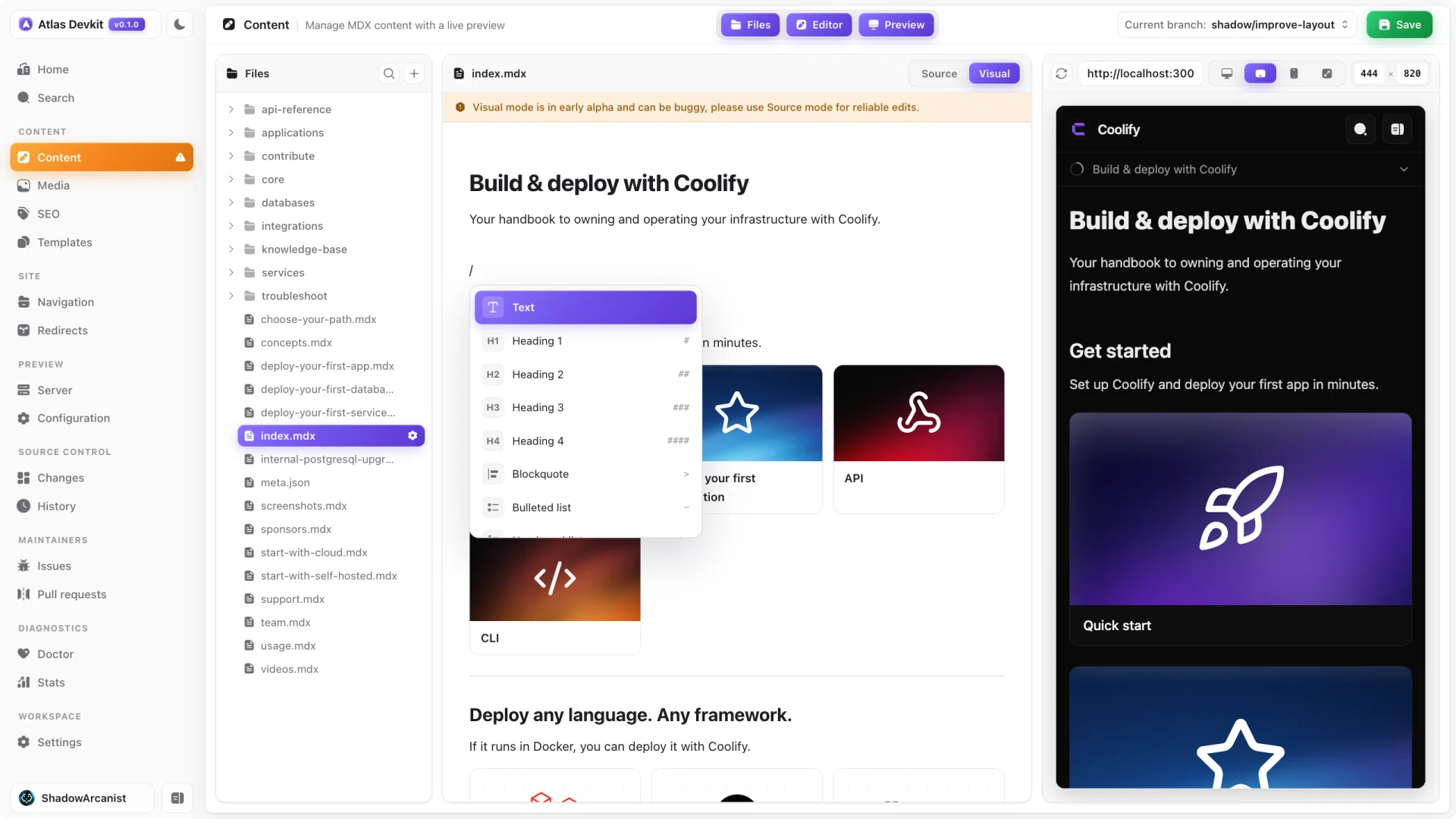
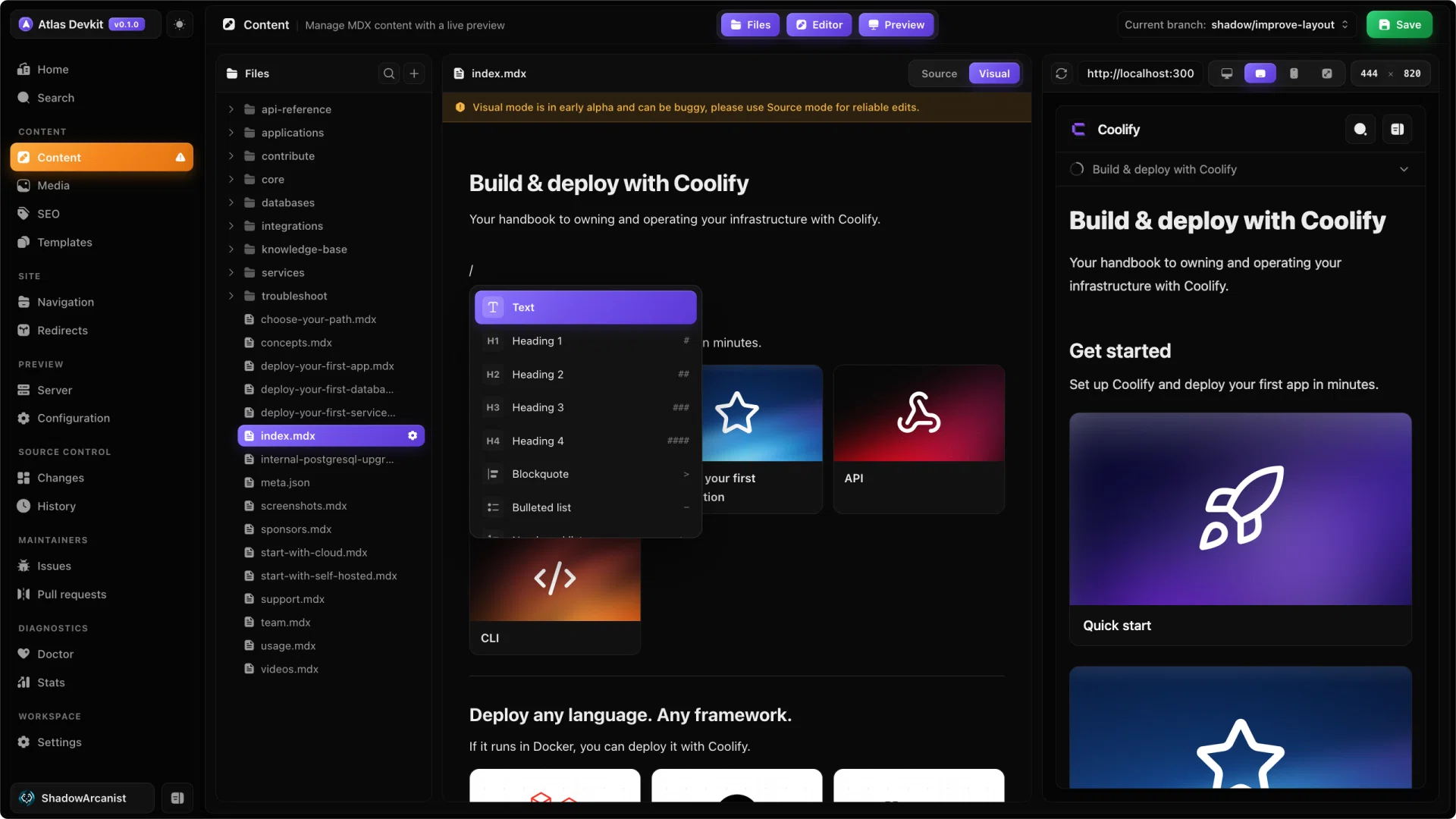
Visual mode is in early alpha and can be buggy. For anything important, stick to source mode.
Saving
Your changes are not written to disk until you save. Save with ⌘S (macOS) or Ctrl+S (Windows and Linux), or use the save button in the top bar. The save button only appears when you have unsaved changes.
Because Atlas writes the real file, every save is a normal change you can see in Git and commit.
The live preview
The preview pane tries to show the real rendered page. When your preview server is running, Atlas shows a live iframe of the actual page at its real URL. If the server is not running, it falls back to a built-in Markdown preview so you are never left without one.
The preview refreshes when you save, so the loop is: write, save, look.
Page settings
Every page has frontmatter, like its title and description. Instead of hand-writing YAML, open page settings to edit those fields in a form. You can also change the page slug or delete the page from here.
Page settings works even if you have the editor pane hidden, so you can tweak frontmatter while looking only at the preview.