Redirects
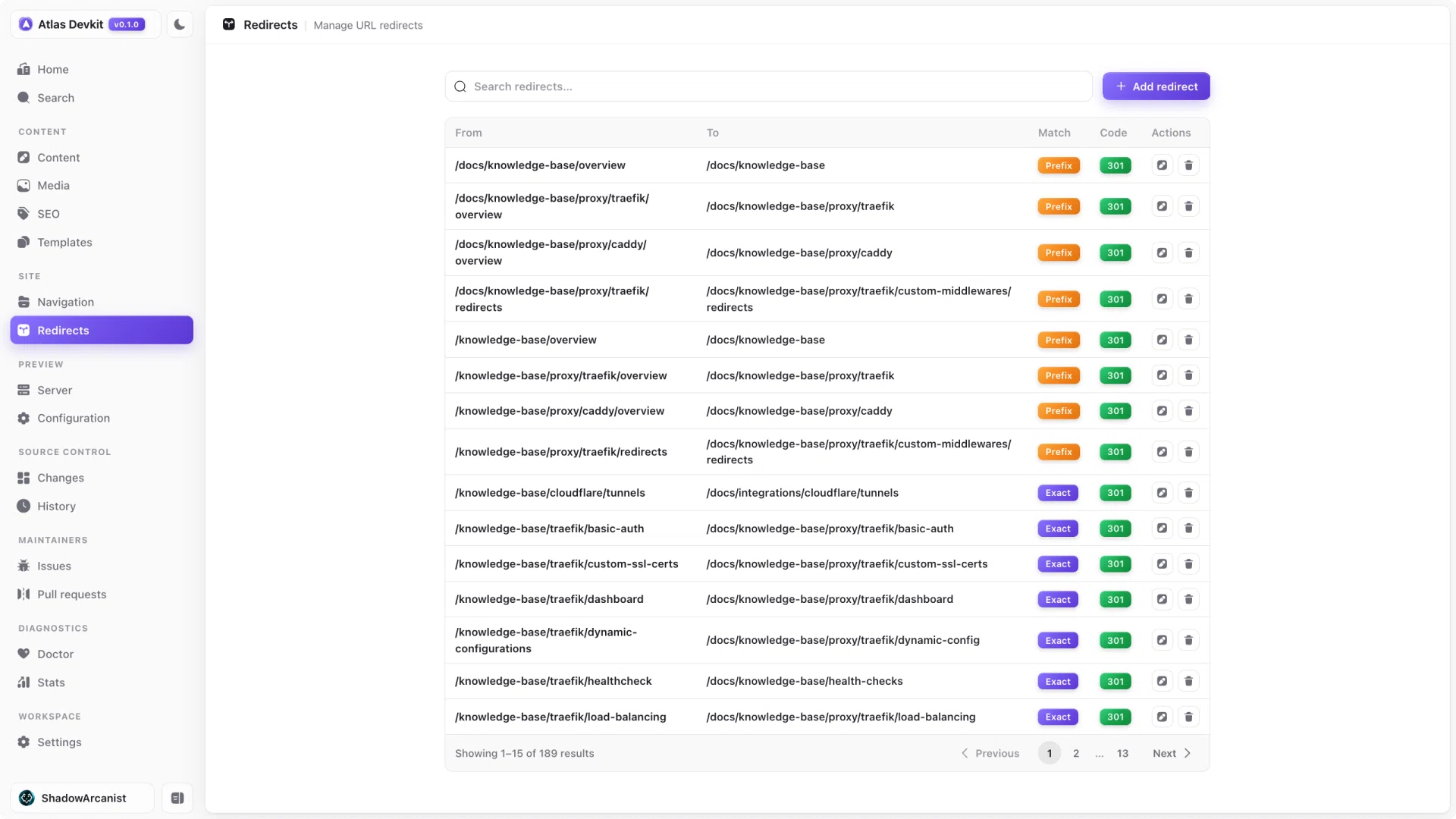
When you rename or move a page, its old URL should still work, since other sites and search engines may link to it. Redirects handle that, but editing nginx config by hand is error-prone. Atlas gives you a simple table instead.
How it works
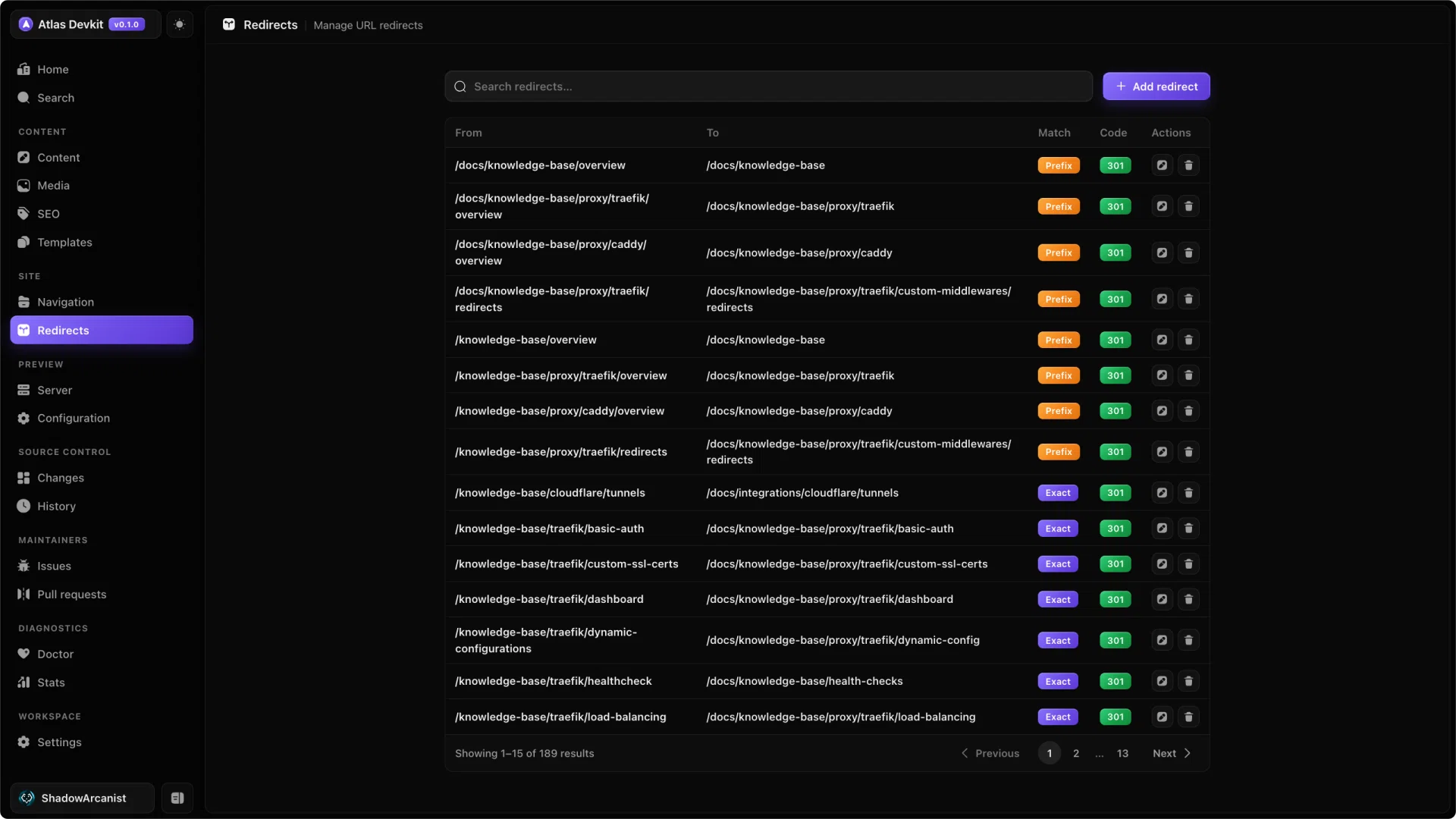
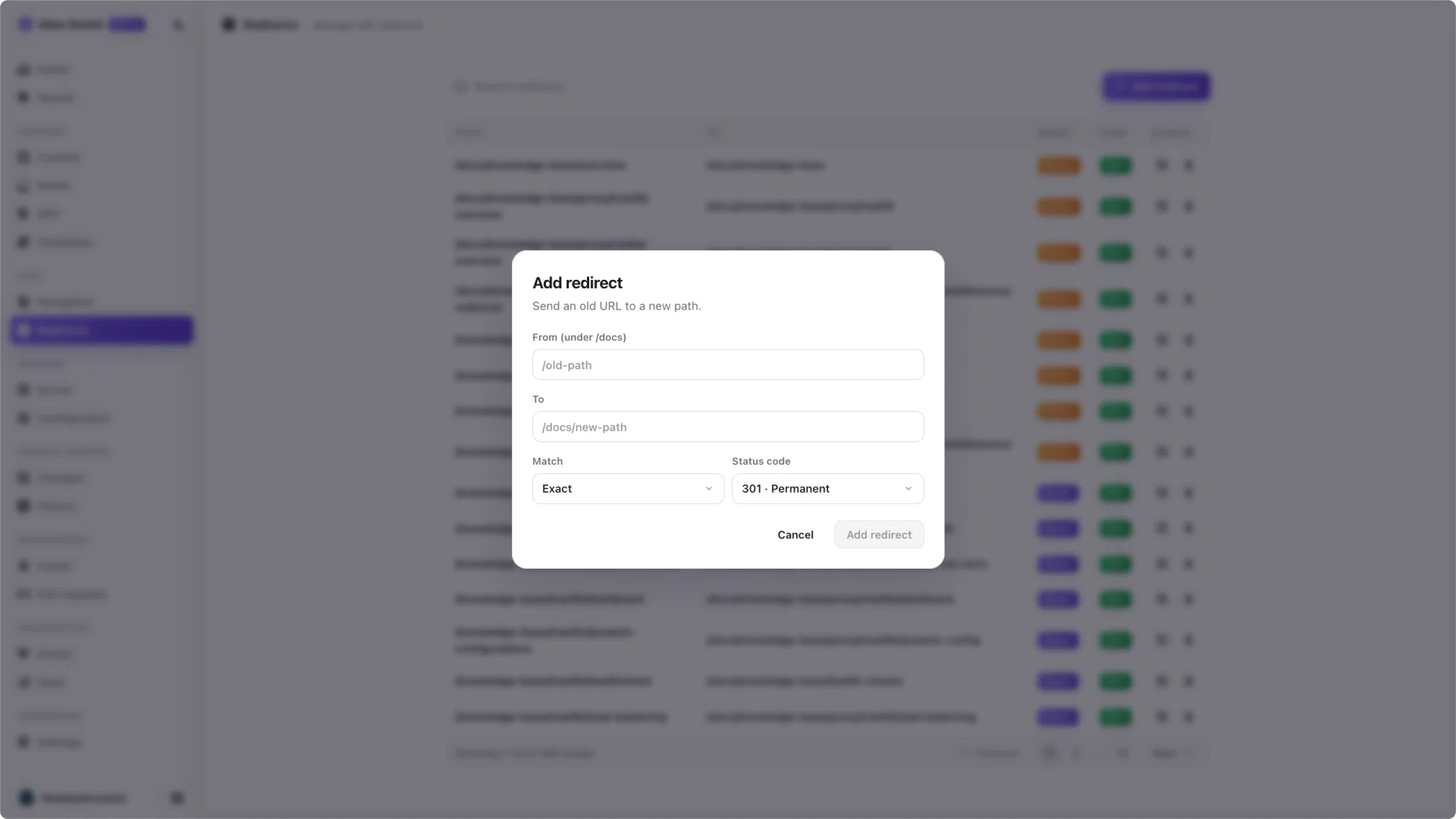
Atlas reads and writes the redirects file set by redirectsFile in atlas.json, which is nginx/redirects.conf for the Coolify docs. You add a redirect by giving the old path and the new one, and Atlas writes the matching nginx rule.
To find an existing rule in a long file, search by either path.
Lossless editing
Your redirects file often has more than just simple rules: comments, custom blocks, and rules Atlas does not manage. Atlas preserves all of that byte for byte. It only touches the redirects you edit through the table, and leaves everything else exactly as it was.
Add a redirect whenever you change a page's slug. Pair this with Doctor, which flags internal links that still point at the old path.